HELP CENTER -> Lead capture
Add a form to a page on your website
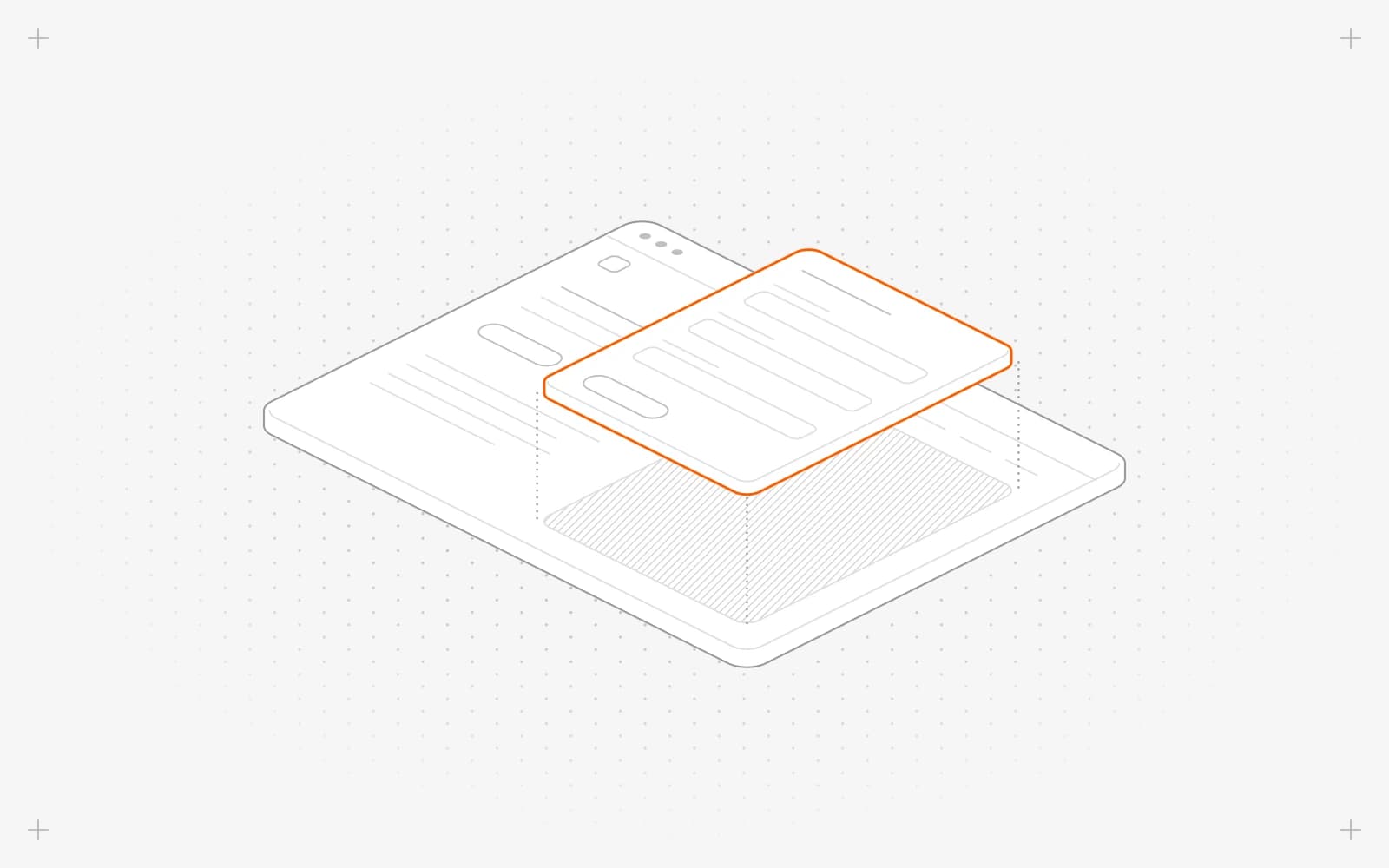
Add the form
- Open the page in the editor and click the plus button to add a section.
- Pick the forms group, then a layout: Simple Form, Form In Card, Form With Icons, Form Card With Icons or Form with Media Inset.
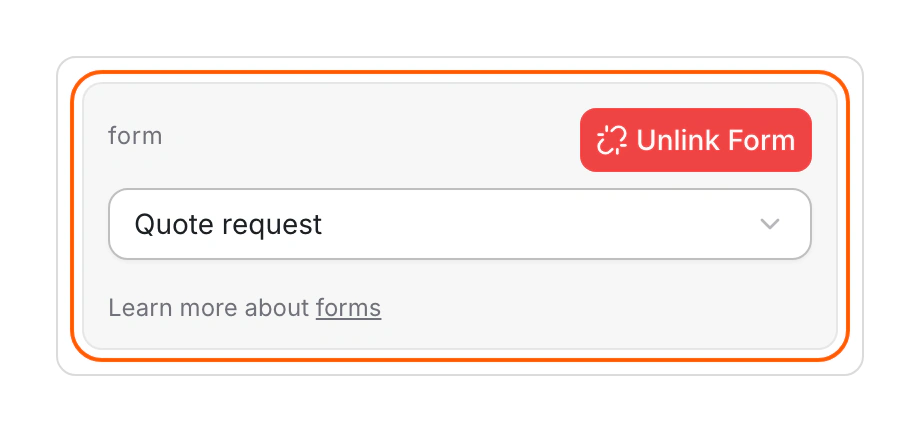
- In the section's content, use Select a form to choose your form.
- Adjust the Form Box layout if you like.
- Publish the page.
Limits
- There's no embed code for other websites, and no popup forms.
- Select a form lists your 20 most recently updated forms. To find an older one, edit it first so it moves to the top.
Common questions
Why does my page show a sample form?
No form is chosen in the section yet. The sample form sends nothing, so pick your form with Select a form.
Why does it say "Empty Form"?
The form was deleted. Choose another form in the section.
What does "Your form is missing fields." mean?
The chosen form has no fields yet. Add some in forms.
On this page
Add the formLimitsCommon questions
Prerequisites
The form already exists in forms.
Still have questions?
Ask Pixel in your dashboard. It can make many changes for you, or take you to the right screen. Our team can also help you plan, build or move your site.


