The no-code website builder with AI built in
Every section follows your theme and works on any screen, and AI drafts the parts you haven't written yet from what your site already says.
What is the Pixelesq no-code builder?
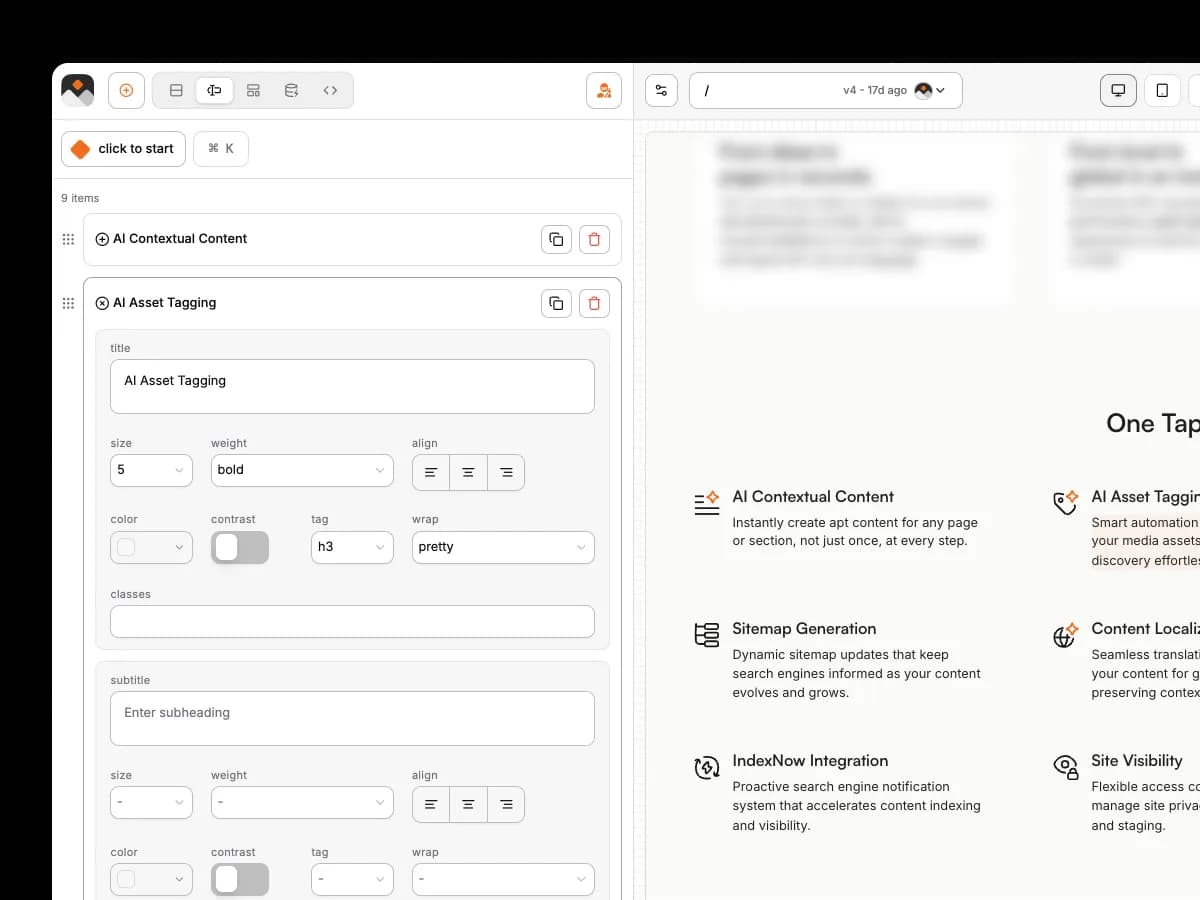
The Pixelesq no-code builder is where you make and change every page on your site. You start from a library of 100+ ready-made sections, from heroes and feature grids to pricing tables and forms, then put them in order and tune the settings of each one. You edit words and images visually while the page updates in front of you. Because it's AI-native, AI can write, fill and link any section along the way.
Ship pages on your own schedule
Landing pages and case studies go live when marketing is ready, and developers stay on product.

One brand across every page
New pages match the rest of the site, so nobody spends time fixing fonts and spacing.
Pages that are ready to be found
Search engines and AI assistants can read every page you publish, with no checklist to run.
Let AI choose and write the next section
Magic Add picks the section that suits the spot and the page's purpose, then writes it for you.

ASK PIXEL
What should come next on this page?
Pixel looks at what the page is for and what it already covers, then suggests the section that fits next, such as plans on a pricing page or a form on a contact page. Say yes and it writes that section into your draft from your site's own details.

Every new section arrives already filled
Magic Drop fills it with your copy, your images, real links and entries from your collections.
ASK PIXEL
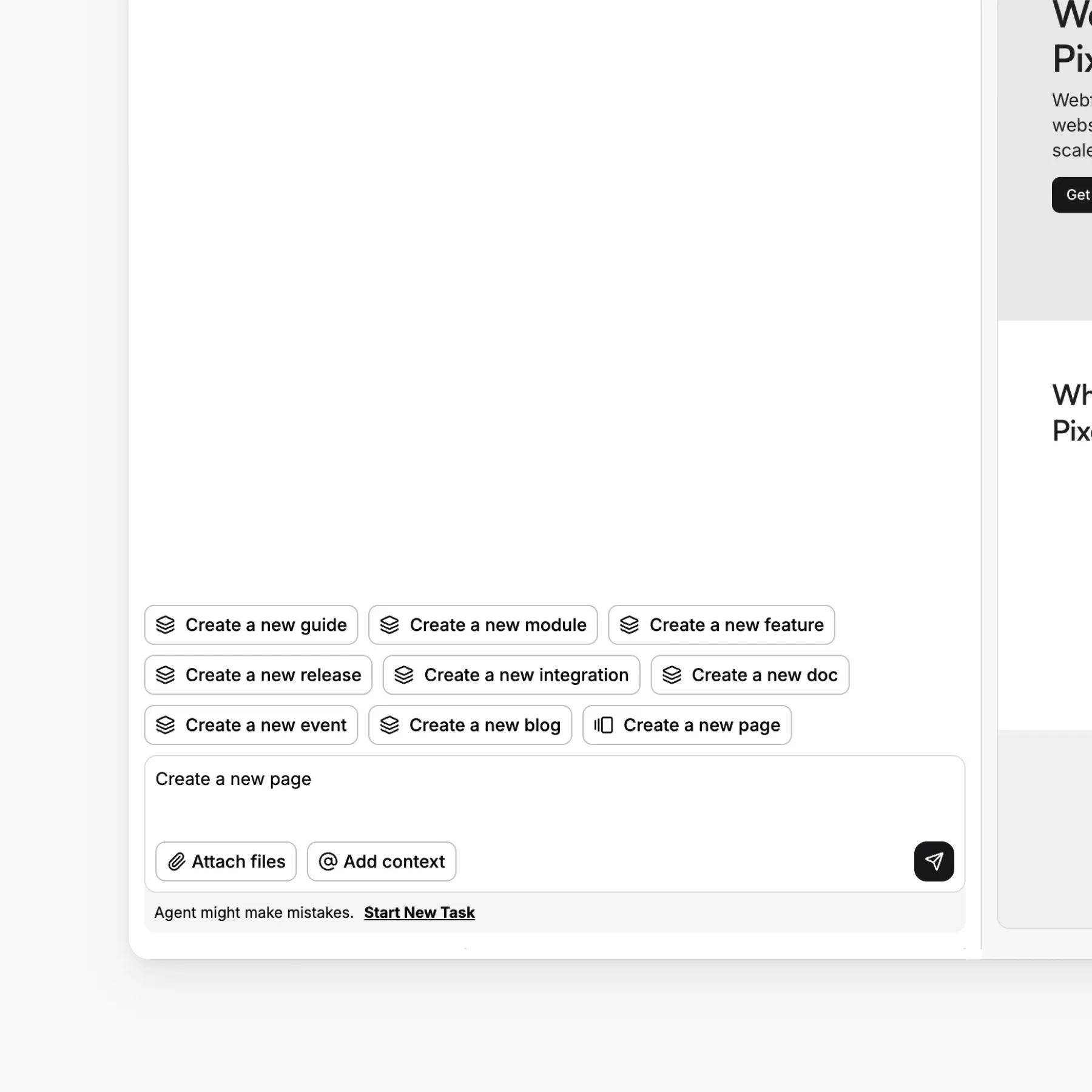
Add a section showing our latest three case studies
Pixel adds a cards section and connects it to your case studies collection, so each card takes its title, summary and image from a story. Keep it connected and new case studies appear on their own. When you add a section yourself, you can give Magic Drop a short brief of what it should say.
Link every button to the right page
Edit a button and link suggestions offer up to three real pages, filling strong matches for you.
ASK PIXEL
Where should the "Book a demo" button go?
Pixel looks through your pages, entry pages and links already on your site, then offers real destinations, best match first, and sets the one you choose. Before you publish, Pixelesq also counts any buttons that still point nowhere and offers to fix them.


Sections for every part of a page
Heroes, features, pricing, forms, FAQs, testimonials and stats, sorted into 11 groups with previews.

Rearrange and reuse sections
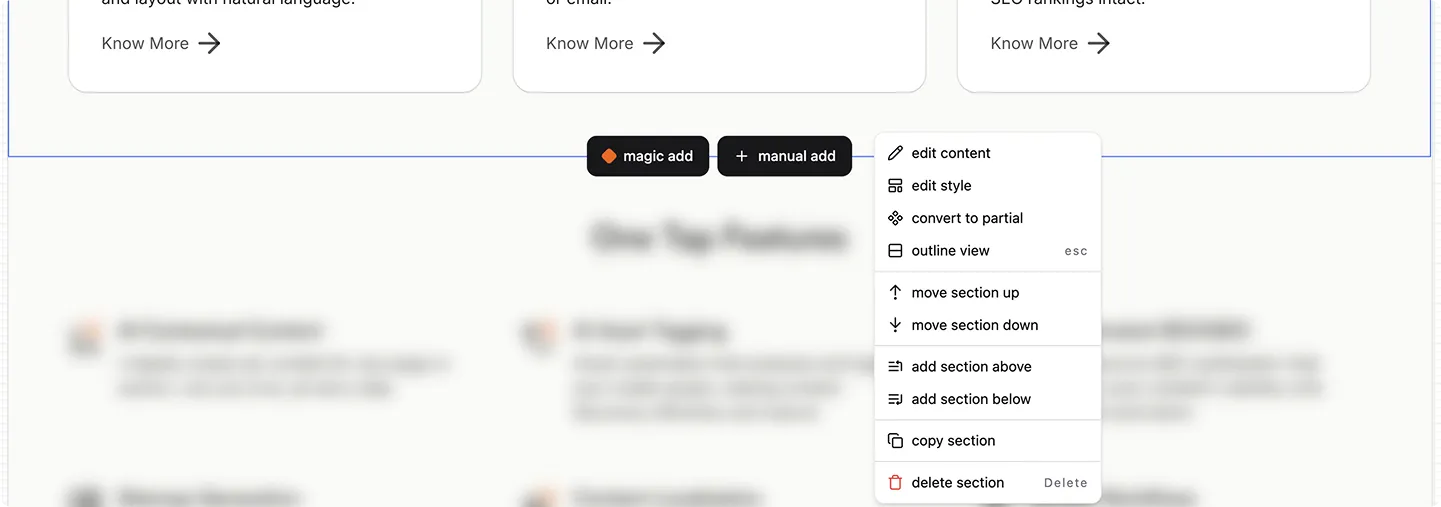
Reorder sections, copy them between pages, and undo up to 50 steps when something goes wrong.

Shared headers and footers
Build a header, footer or any block once, then update it everywhere from one place.
One design for every post and case study
Make one template and every blog post, case study or team page in that collection follows it.
Publish in seconds
Preview any draft in the dashboard, then publish and it's live on every domain within seconds.
Make every section your own
Change the layout, columns, spacing, background, card style and media of any section, for each screen size.
Frequently Asked Questions
Yes. Every section is already designed and built, so making a page means choosing sections and changing the words, images and links in a side panel. Your header, footer and theme are already in place, and publishing takes one click. When it's quicker to describe a change, Pixel can make it for you.


