The AI form builder for capturing website leads
Classic, multi-step and chat-style forms, calculators, quizzes and lead magnets, with AI that builds them, spam kept out without a CAPTCHA, and leads saved at the contact step.
What can you build with Pixelesq forms?
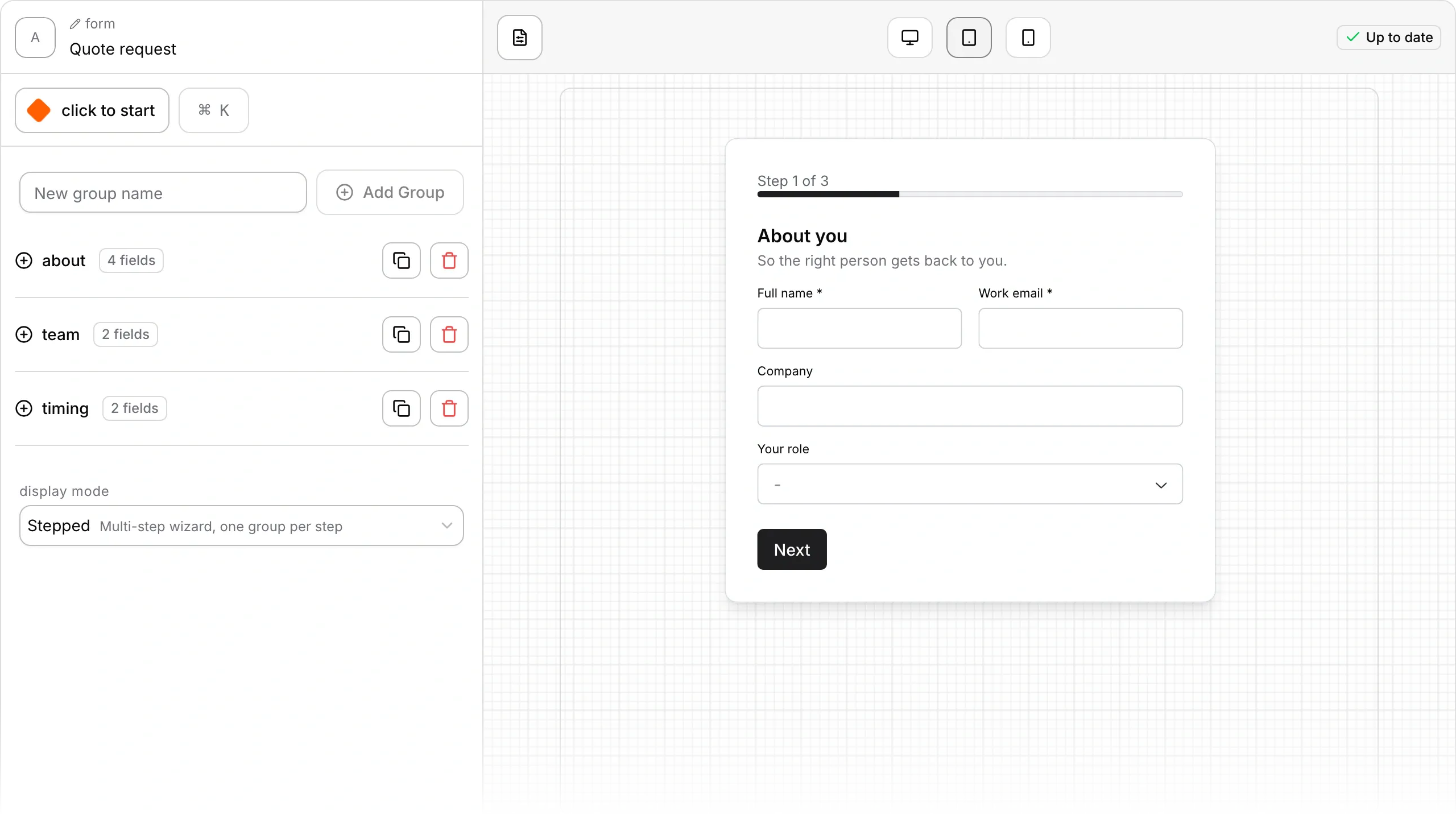
Pixelesq forms sit right inside your pages, so you don't need a separate form tool to embed or pay for. Build a contact form, a quote request, an ROI calculator, a scored quiz or a lead magnet download: describe it and AI writes the fields, or start from a template. Each form can run as one page, step by step, one question at a time, or as a chat, and every submission reaches your inbox and your leads.
One less tool to pay for
Forms, calculators and quizzes are built in, so there's nothing to embed or keep in sync.

Fewer leads lost halfway
The contact details are saved the moment someone finishes that step, even if they stop there.
Spam that stays out of your inbox
Hidden checks and scoring quarantine bot submissions without making real visitors solve a CAPTCHA.
Describe a form and AI builds it
Say what the form is for, and AI builds the whole form, or just suggests fields to add.

ASK PIXEL
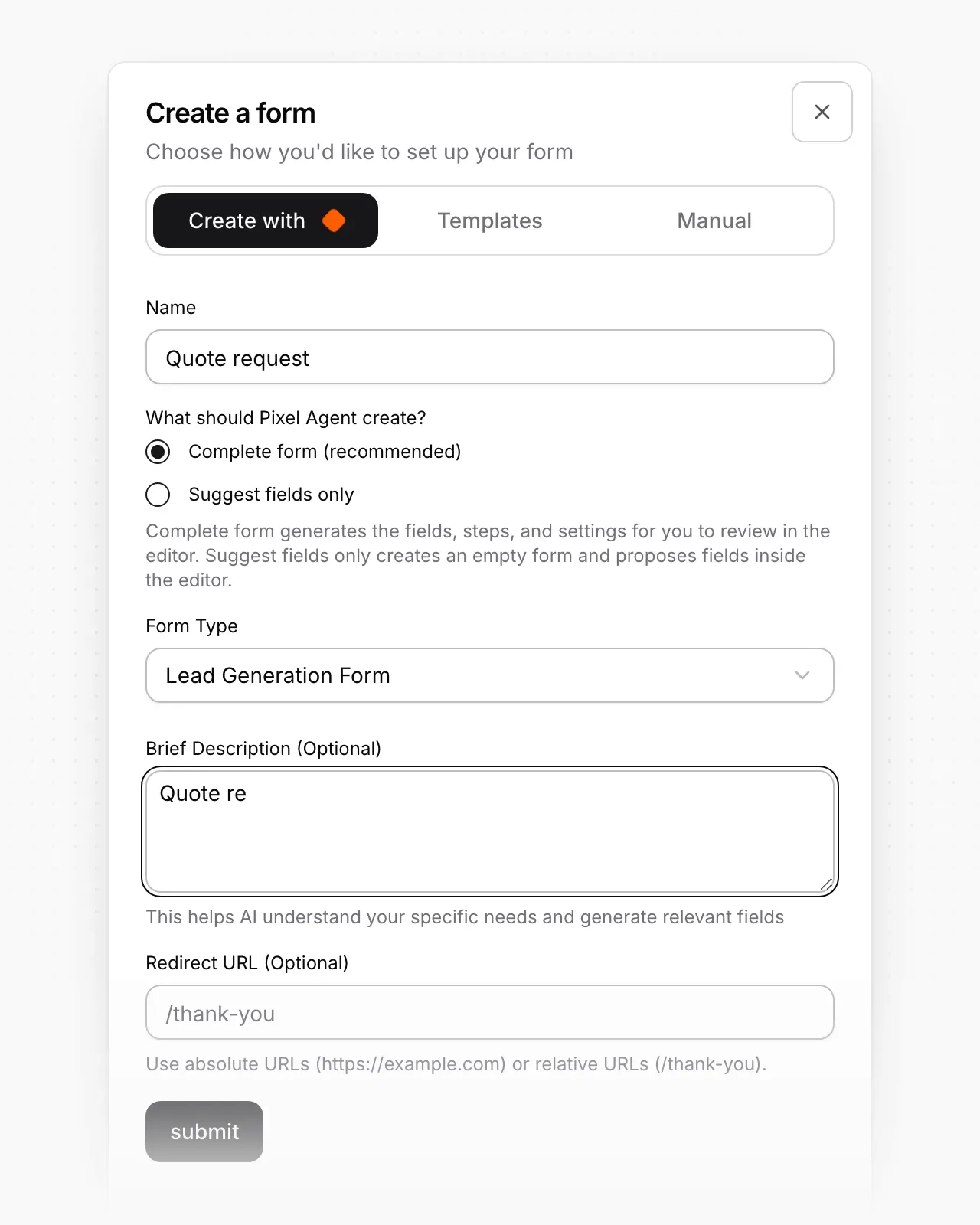
Create a quote request form and put it on our contact page
Pixel creates the form with the fields a quote needs, such as name, email, service and budget, then adds a form section to your contact page draft. You choose who gets notified in the dashboard, and the form shows on the live page once you publish.
Chat-style forms visitors can switch to
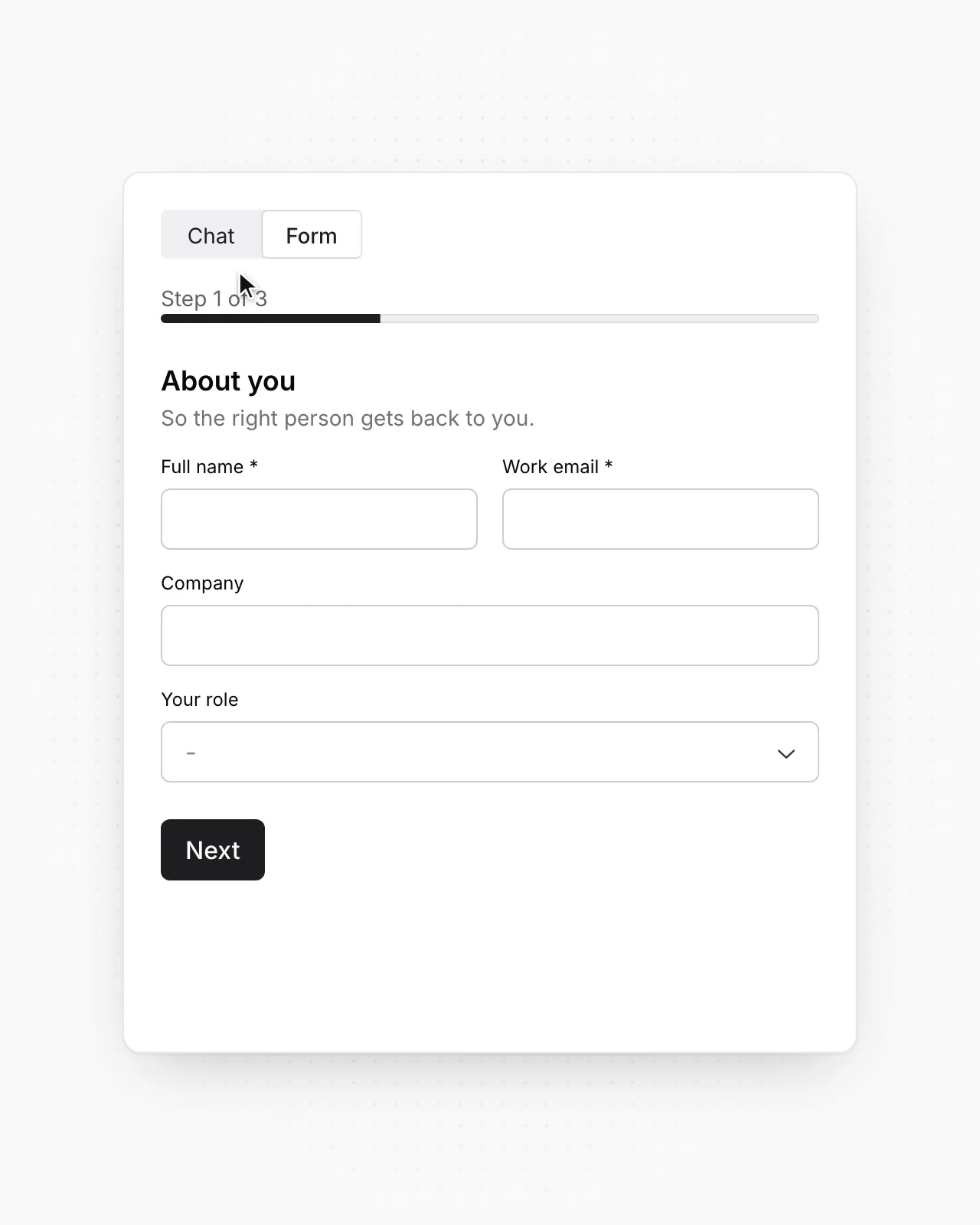
Visitors can answer in a chat, with their progress carried over whichever way they switch.
ASK PIXEL
Turn on the chat version of our contact form
Pixel switches on the form's chat mode, so visitors can fill it in as a conversation or as a regular form. The change reaches the live form straight away.
Know when an AI agent fills in your form
Submissions from AI agents are recognized, and verified when signed, so you can tell them from people.
ASK PIXEL
What came in through our contact form this week?
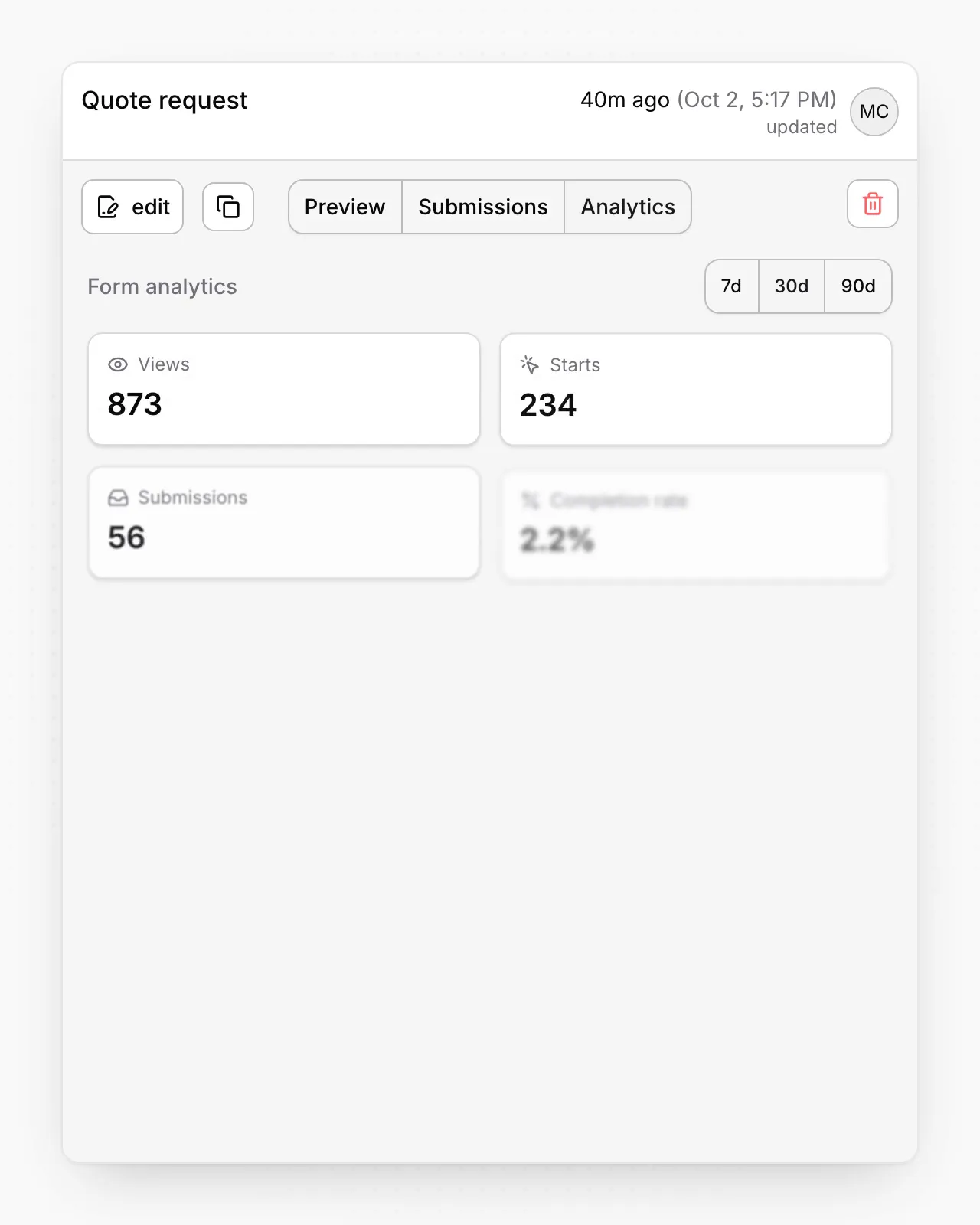
Pixel pulls up this week's submissions with their answers and times, and tells you how many were flagged as spam or suspect.
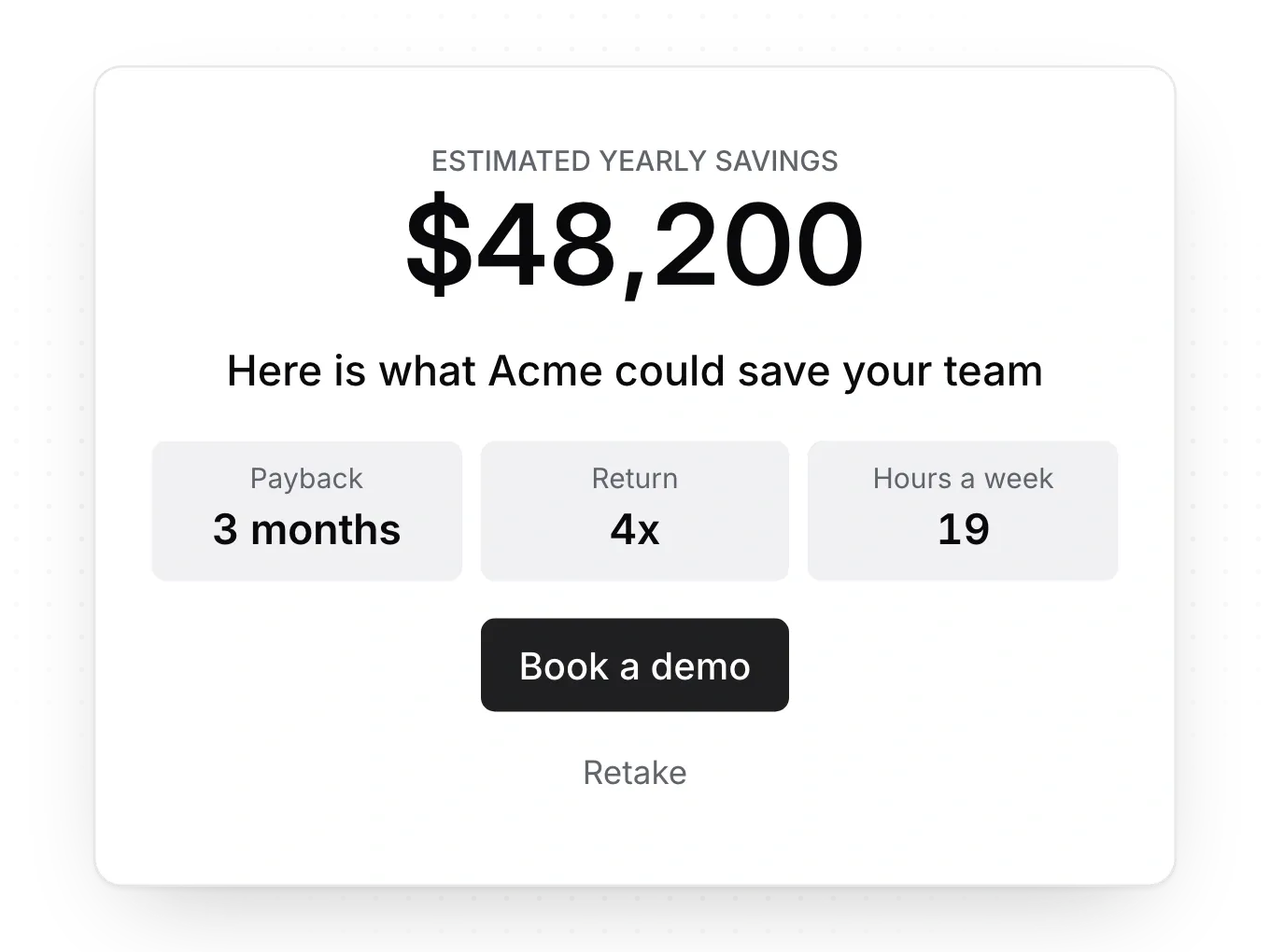
Calculators with real totals
Show a total as a number, currency or percent, plus up to four figures such as payback time.
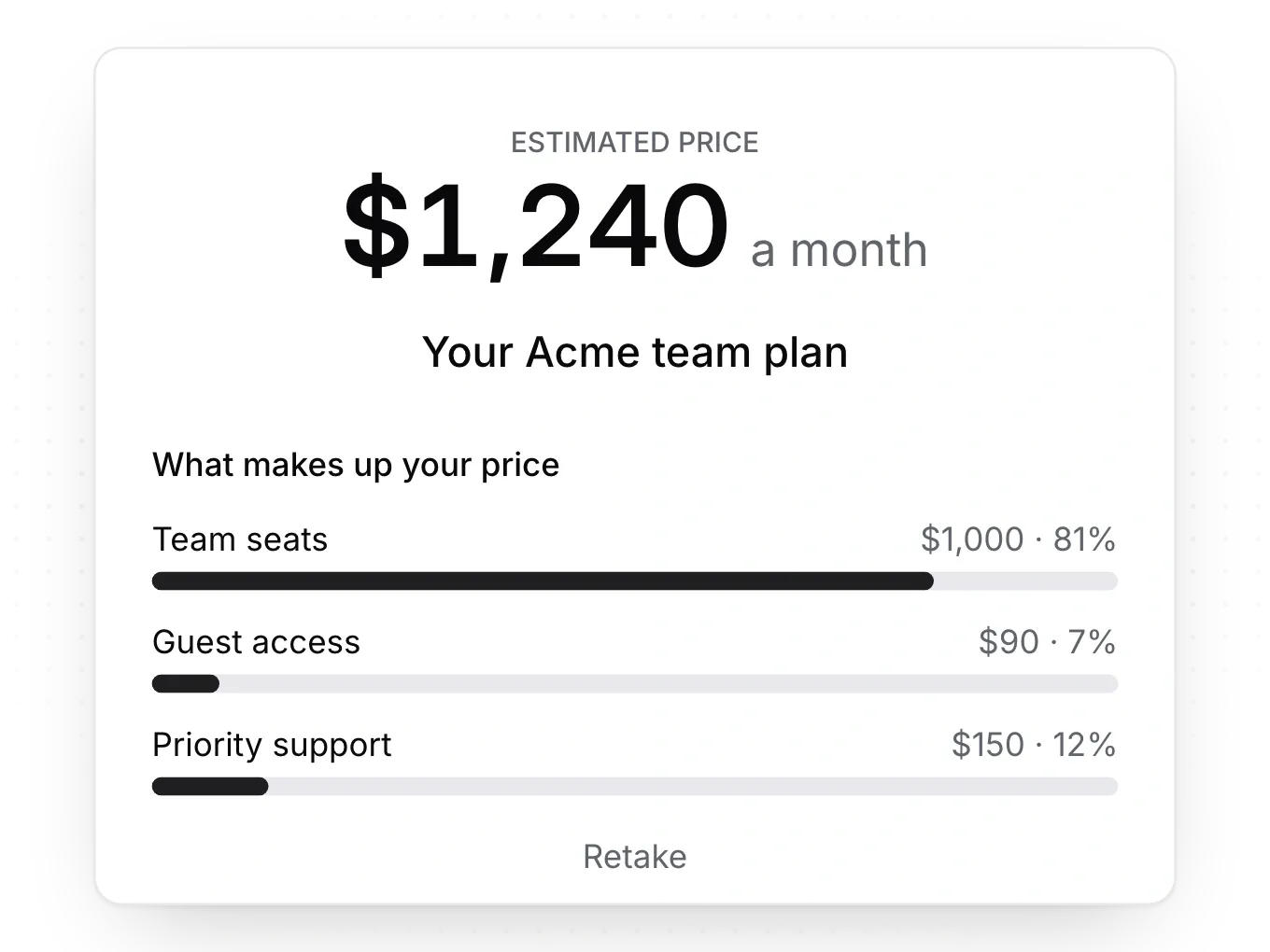
Line-by-line breakdowns
Split a total into up to eight parts, so each visitor sees what makes up their total.

Scored quizzes with result screens
Score answers, show a result for each range or trait, and ask for contact details before the result.
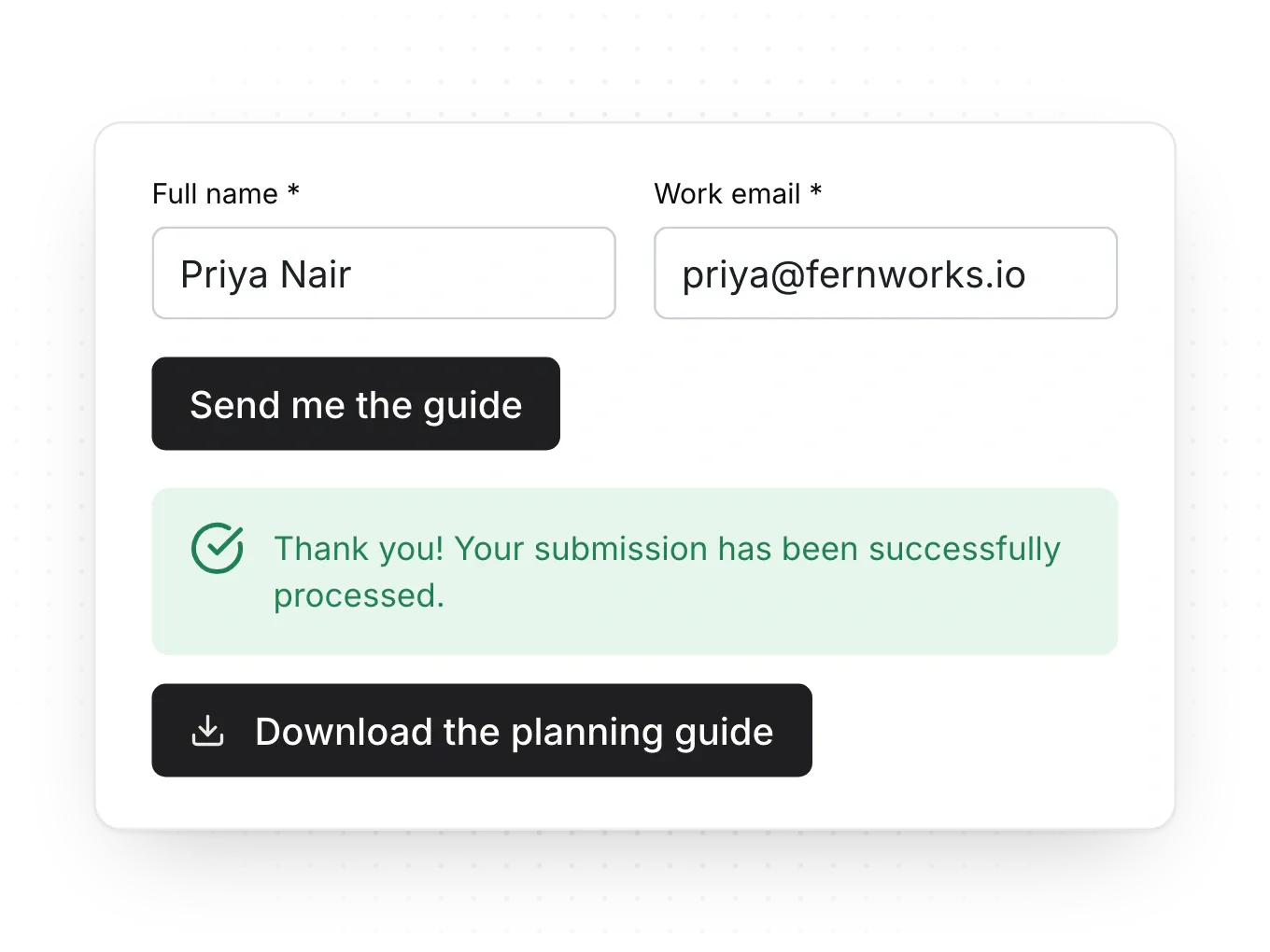
Lead magnets and gated content
Put an ebook, guide or checklist behind a form, and deliver it on screen or by email.
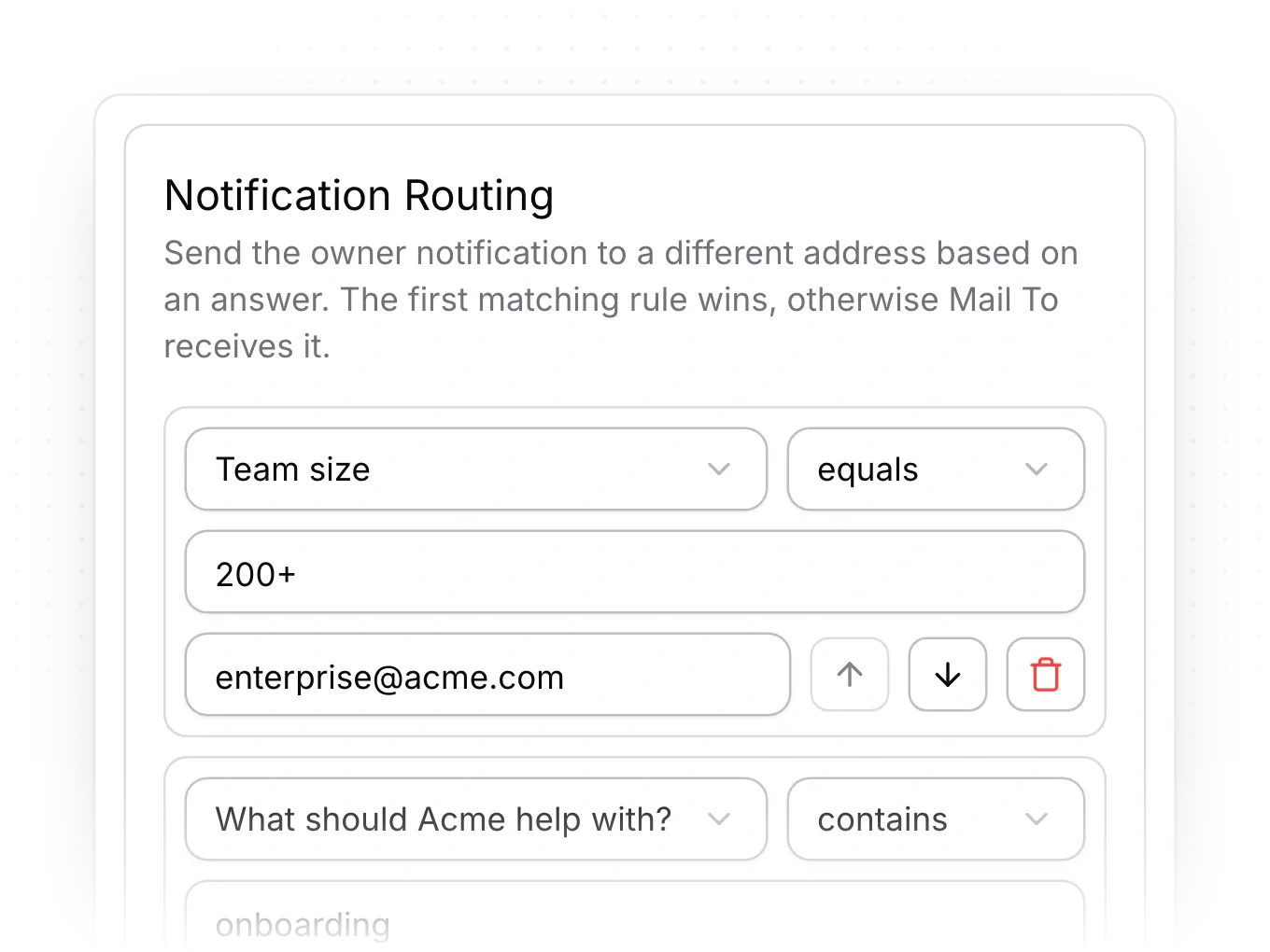
Routing and replies on autopilot
Send each submission to the right person by answer, and reply to visitors automatically.
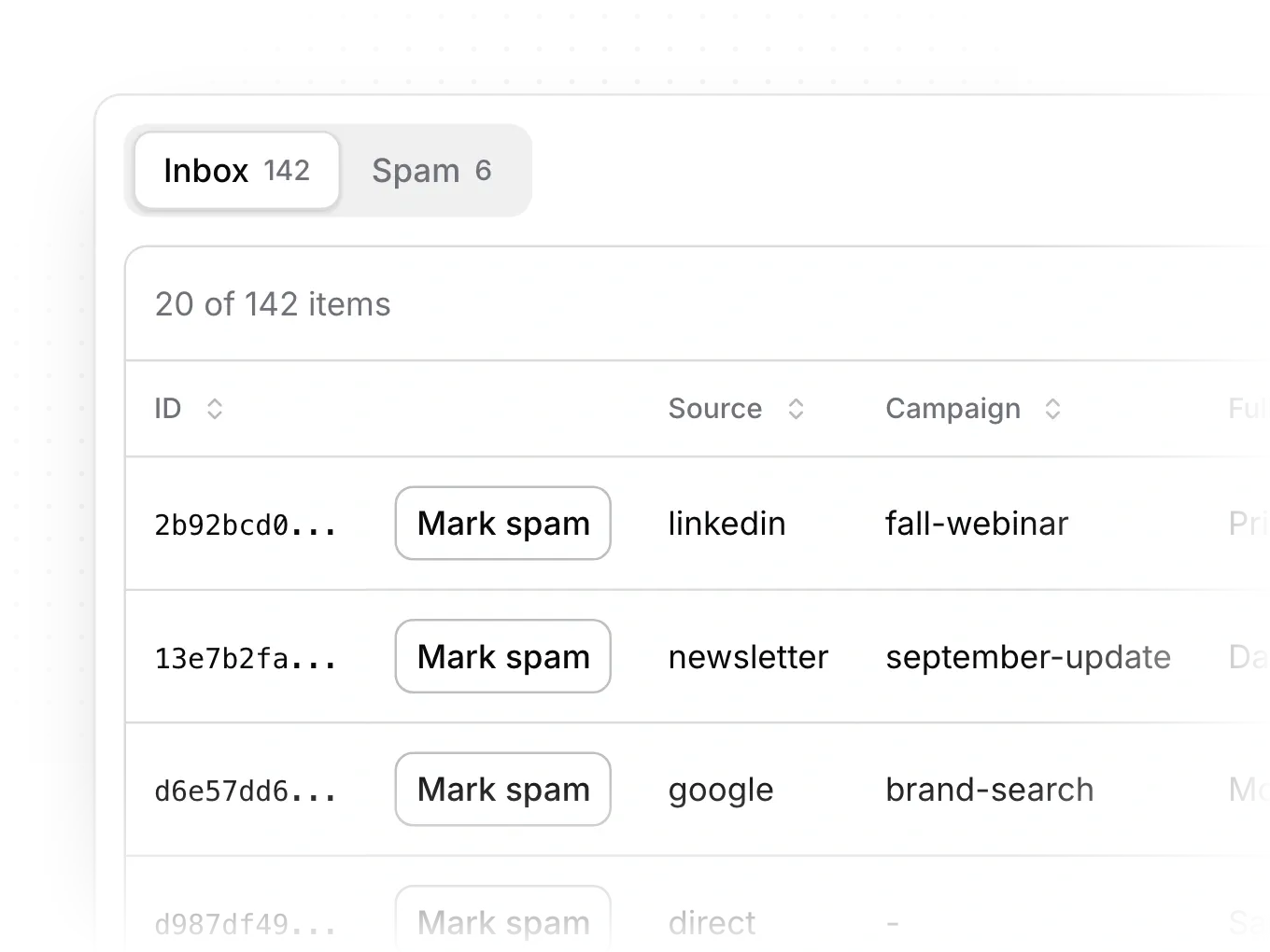
Know where every lead came from
Each submission records its source, campaign and landing page, so you see which pages bring inquiries.
Frequently Asked Questions
With checks your visitors never see. A hidden field that only bots fill in and a security token stop scripted submissions before they arrive. Everything else gets a spam score from signals such as throwaway email addresses, gibberish answers, known abuse networks and repeat sends. Likely spam goes to a spam folder, where it sends no alerts and creates no lead, and you can restore anything real with one click.


