HELP CENTER -> Analytics & performance
Cookie banners, consent and tracking on your Pixelesq site
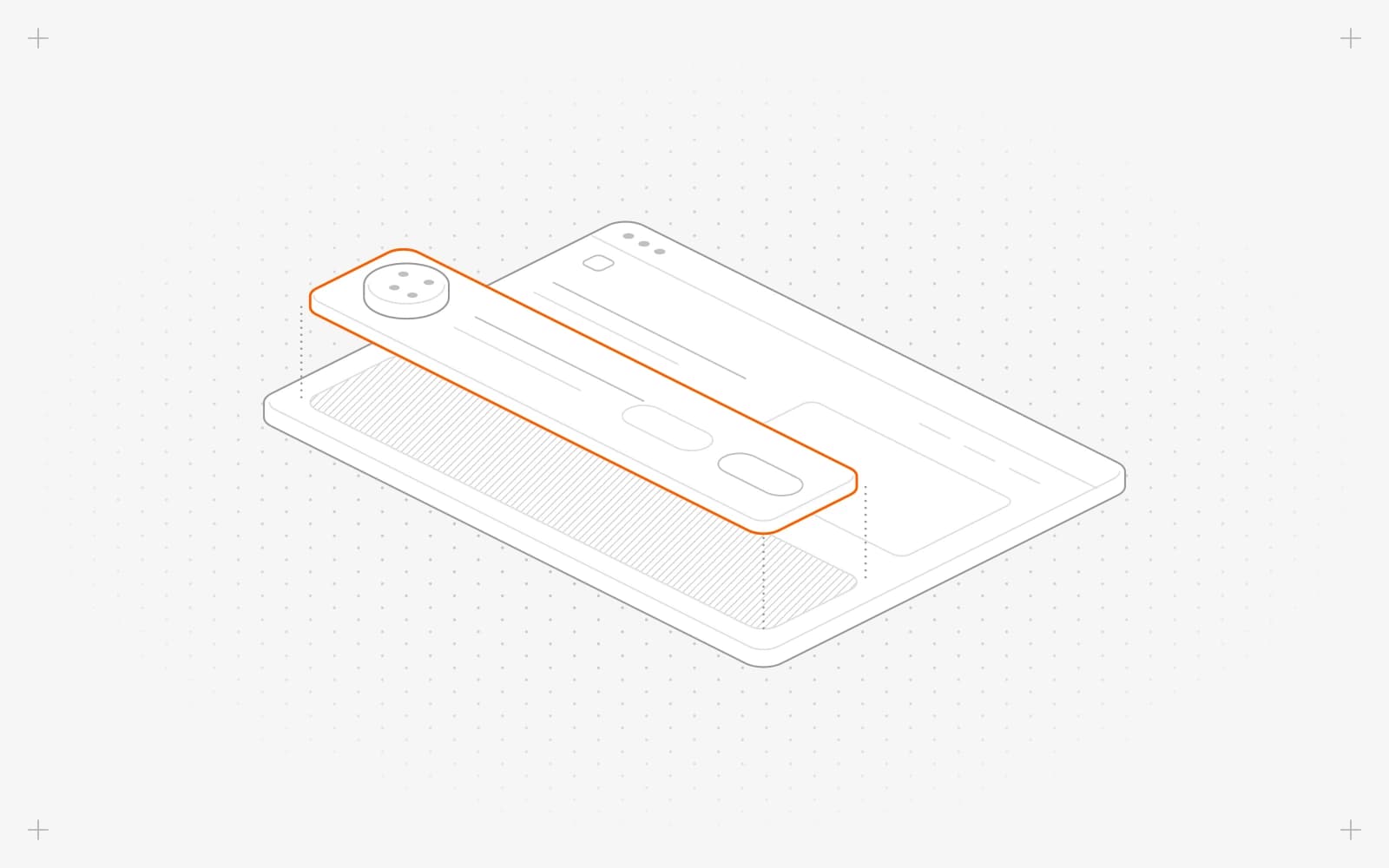
What loads on your site
- Pixelesq analytics runs on every published page. It sets one cookie that ends after 30 minutes without activity.
- Google Analytics, Tag Manager and Meta Pixel IDs saved in Tracking load on every published page.
- Code added under Custom Code loads on every published page.
None of these wait for consent, and Pixelesq doesn't show a cookie banner.
Add a consent tool
- Pick a consent tool and copy the address of its script.
- Click settings, then Custom Code, then create.
- Fill in Label, set Placement to Head and set Type to Script.
- Click Add Attribute, type src as the name and the script address as the value, then click Save.
- Load your marketing tags through the consent tool, or through Tag Manager's consent settings.
- Clear the same IDs from Tracking and click update, so they stop loading before consent.
Limits
- Pixelesq analytics can't be turned off, and a consent tool can't hold it back.
- IDs saved in Tracking always load. Use the consent tool or Tag Manager for tags that must wait.
- Pixelesq doesn't send Google Consent Mode signals.
Common questions
Do I need a cookie banner?
It depends on where your visitors live and what you track. In the EU and UK, sites usually need consent before marketing cookies. Check with your legal adviser.
Why do tags still load before consent?
An ID is still saved in Tracking. Clear it and click update.
On this page
What loads on your siteAdd a consent toolLimitsCommon questions
Prerequisites
Still have questions?
Ask Pixel in your dashboard. It can make many changes for you, or take you to the right screen. Our team can also help you plan, build or move your site.


