HELP CENTER -> Getting started
Your Pixelesq sign-in code did not arrive
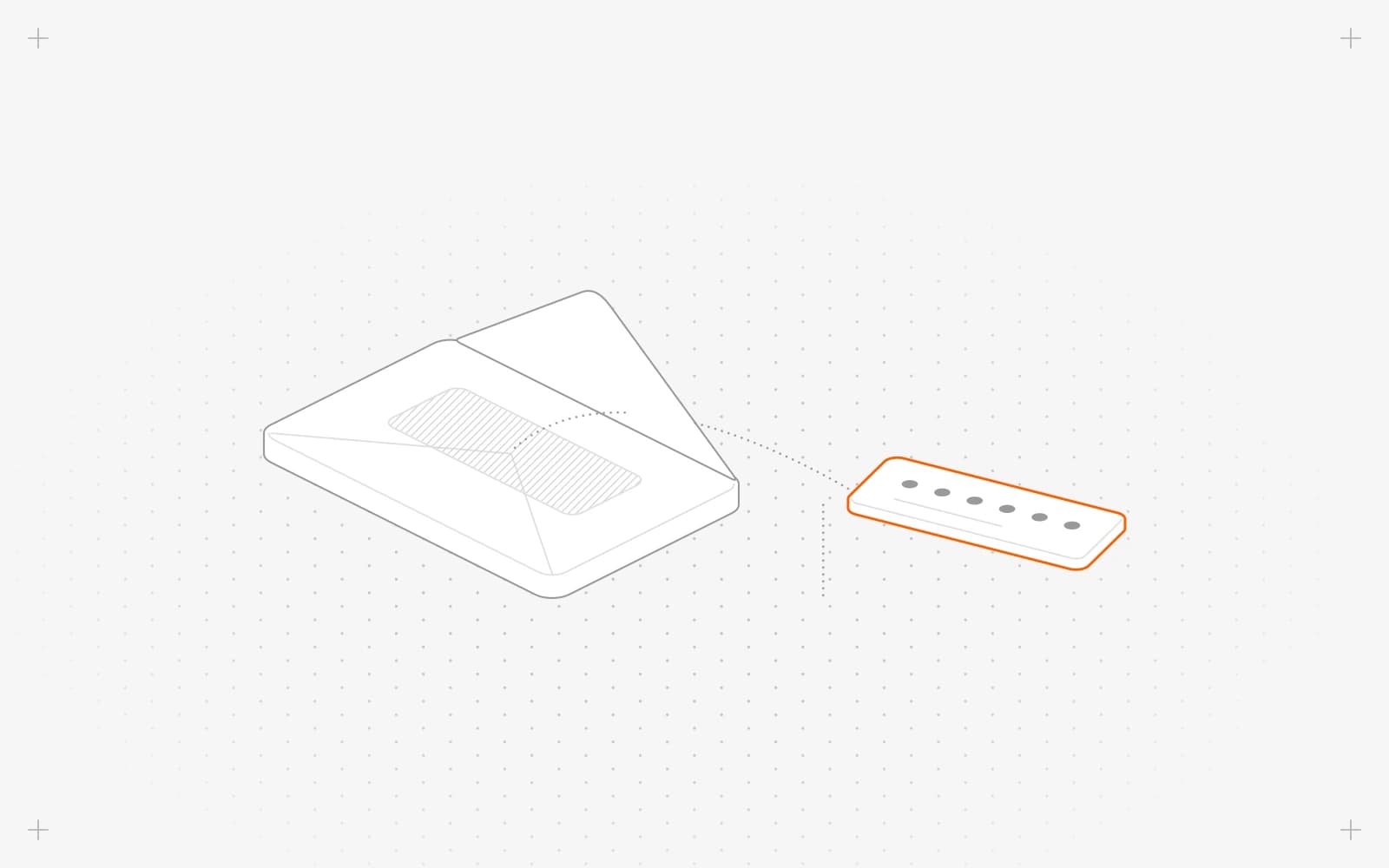
Get a new code
- Search your inbox and spam folder for "Your Access Code Inside".
- Under Code expired or didn't receive the code?, click Resend code.
- Use the code from the newest email, or click the link in it.
- Still nothing? Go back and click Login with Google.
Limits
- Codes expire after 20 minutes.
- Pixelesq sends at most 5 codes a minute to one address. After many tries, wait a minute.
Common questions
What does "Login Failed Invalid OTP" mean?
The code was mistyped or replaced by a newer one. Use the code from the most recent email.
What does "Couldn't send code, please try again later." mean?
Wait a minute, then click Resend code again.
What if the email link says "Missing token"?
The link was cut off. Type the 6-digit code instead, or request a new email.
What if the sign-in page shows an error after many tries?
Wait a minute, then reload the page and try again.
On this page
Get a new codeLimitsCommon questions
Prerequisites
You're on the Enter verification code screen.
Still have questions?
Ask Pixel in your dashboard. It can make many changes for you, or take you to the right screen. Our team can also help you plan, build or move your site.


