HELP CENTER -> Content management
How collections, entries and entry pages work in the Pixelesq CMS
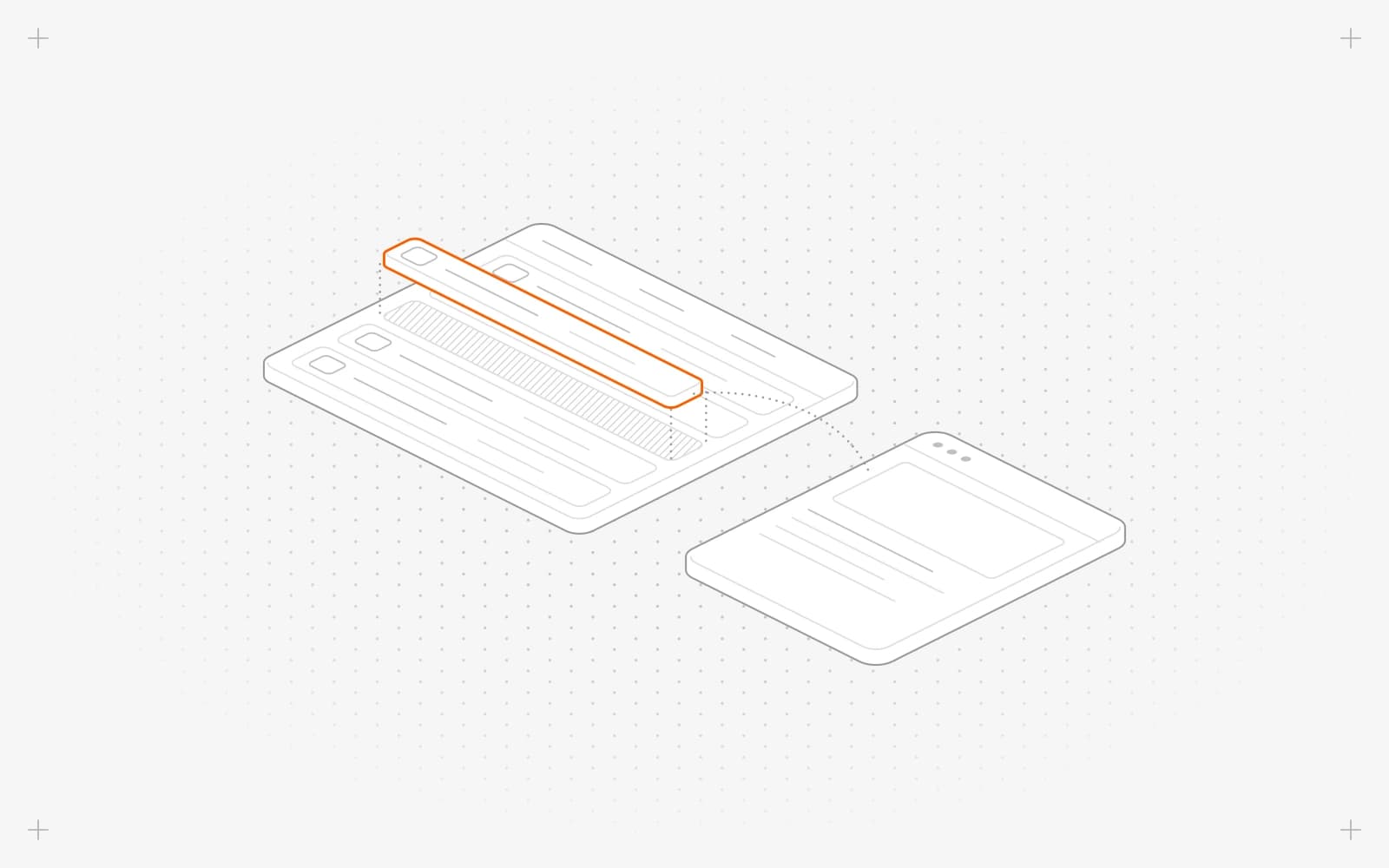
Collections and entries
- A collection is a type of content you define, such as Blog, Team or Case studies, with the fields it needs.
- An entry is one item in it, such as one blog post.
- Every new project starts with a Blog collection.
Collections with pages
- With Has Pages on, every published entry gets its own page at /collection/entry, for example /blog/our-first-post.
- All entries in the collection share one template, so one design change updates every entry page.
- Use it for blog posts, case studies, events and anything else people should be able to visit.
Collections without pages
- Leave Has Pages off for content shown inside other pages, such as testimonials, logos or FAQs.
- Show these entries with a list section on any page, or point to them from another collection with a Reference field.
Find your collections
- Click collections in the sidebar.
- Use the collection switcher. A page icon means the collection has pages, and a database icon means it holds data only.
- Click an entry to preview it, or double-click it to edit.
Limits
- Choose Has Pages when you create the collection. It can't be changed later, and entries can't move between collections.
- Pixelesq doesn't create a listing page such as /blog for you. Add a list section to a page instead.
- Unpublished entries never show on your site.
Common questions
Should my collection have pages?
Turn Has Pages on if each entry needs its own address, like a blog post. Leave it off for pieces you only show inside other pages, like testimonials.
Why is my list section empty?
None of the collection's entries are published yet. Publish at least one.
Do entry pages count toward my page limit?
Yes. Entries with their own page count toward your plan's page limit, and entries without pages don't.
On this page
Collections and entriesCollections with pagesCollections without pagesFind your collectionsLimitsCommon questions
Prerequisites
Still have questions?
Ask Pixel in your dashboard. It can make many changes for you, or take you to the right screen. Our team can also help you plan, build or move your site.


