HELP CENTER -> Getting started
Find your way around the Pixelesq dashboard
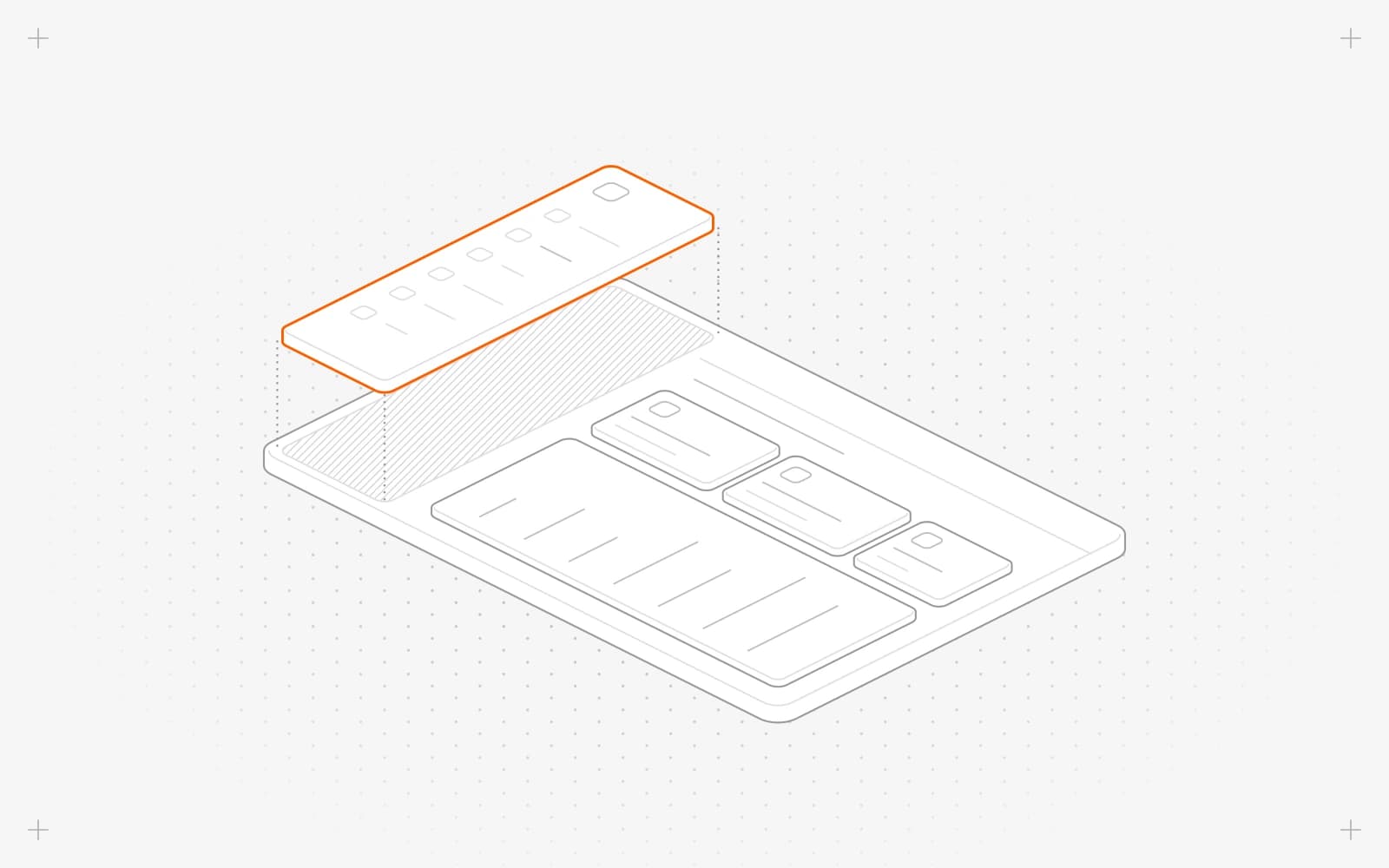
The sidebar, from top to bottom
- Your project name, which opens the project switcher, and the bell for notifications.
- The Pixel button and ⌘K, which opens the command center to search and jump anywhere.
- home, your dashboard home.
- Under create: pages, collections, partials, templates, themes and assets.
- Under manage: analytics, forms, chatbot and growth.
- Under settings: context and settings.
- At the bottom: your trial or plan, and your avatar for your account.
What dashboard home shows
- A greeting at the top.
- recent activity: what your team changed, grouped by day.
- growth briefing: search clicks, visitors, AI citations and leads, with tabs for this week, what needs attention, a playbook and your site audit.
- Traffic for the last 7, 30 or 90 days: pageviews, visitors, average visit length and bounce rate.
- what's new: Pixelesq's latest product updates.
Use it on a phone or tablet
Open app.pixelesq.ai in your browser and tap the menu button at the top left to open the sidebar. In settings and your account, tap a tab, then use back to return.
Limits
- Viewers don't see chatbot, context or settings.
- The home panels can't be moved or hidden.
- The bell is hidden while the sidebar is collapsed.
Common questions
Where are the settings?
Click settings near the bottom of the sidebar. Your own profile is under your avatar, in Account.
How do I collapse the sidebar?
Press Cmd+B on a Mac or Ctrl+B on Windows. Press it again to expand it.
What if a screen shows "This screen hit a problem"?
Click Try again. If it keeps happening, reload the page.
On this page
The sidebar, from top to bottomWhat dashboard home showsUse it on a phone or tabletLimitsCommon questions
Prerequisites
Still have questions?
Ask Pixel in your dashboard. It can make many changes for you, or take you to the right screen. Our team can also help you plan, build or move your site.


