Build and edit your website from Claude Code
Build pages, write content, check SEO and publish your site from Claude Code with the Pixelesq plugin.
Overview
The Pixelesq plugin brings your website into Claude Code. It connects the Pixelesq server and adds skills for site management, SEO, content and design, plus specialist agents for each of those jobs.
Build landing pages section by section, write blog posts into collections, fix metadata and structured data, read Search Console and traffic numbers, manage redirects and images, and restyle the theme. Page and entry edits stay drafts until you publish. Some changes, such as redirects and theme updates, apply right away.
How it Works
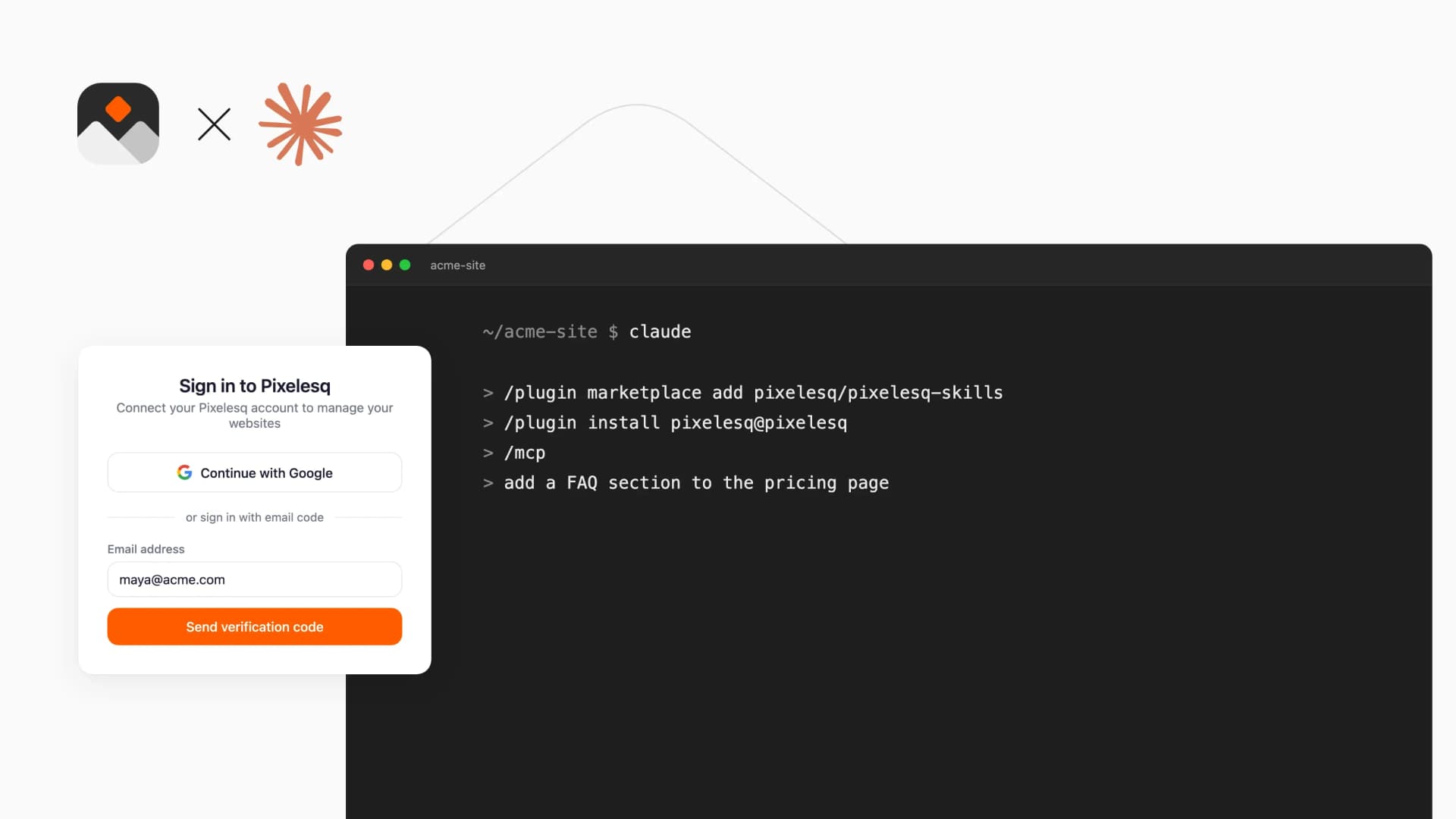
Install the plugin in Claude Code and sign in with Google or your Pixelesq email. You need a Pixelesq account with at least one project. Claude Code then works with your projects with the same role you have in Pixelesq.
Ask for what you need, such as "add a FAQ section to the pricing page" or "write a blog post about our spring launch". The skills load when a task needs them, and the agents take on site, SEO, content and design work.
Review drafts in your Pixelesq dashboard, then ask Claude Code to publish.
Configure
1. In Claude Code, run /plugin marketplace add pixelesq/pixelesq-skills
2. Run /plugin install pixelesq@pixelesq
3. Run /mcp and sign in with Google or your Pixelesq email
4. Ask Claude Code to list your Pixelesq projects
To add only the connector, run claude mcp add --transport http pixelesq https://mcp.pixelesq.app/mcp instead.