Build and edit your website from Cursor
Connect Pixelesq to Cursor and build pages, write content, check SEO and publish without leaving your editor.
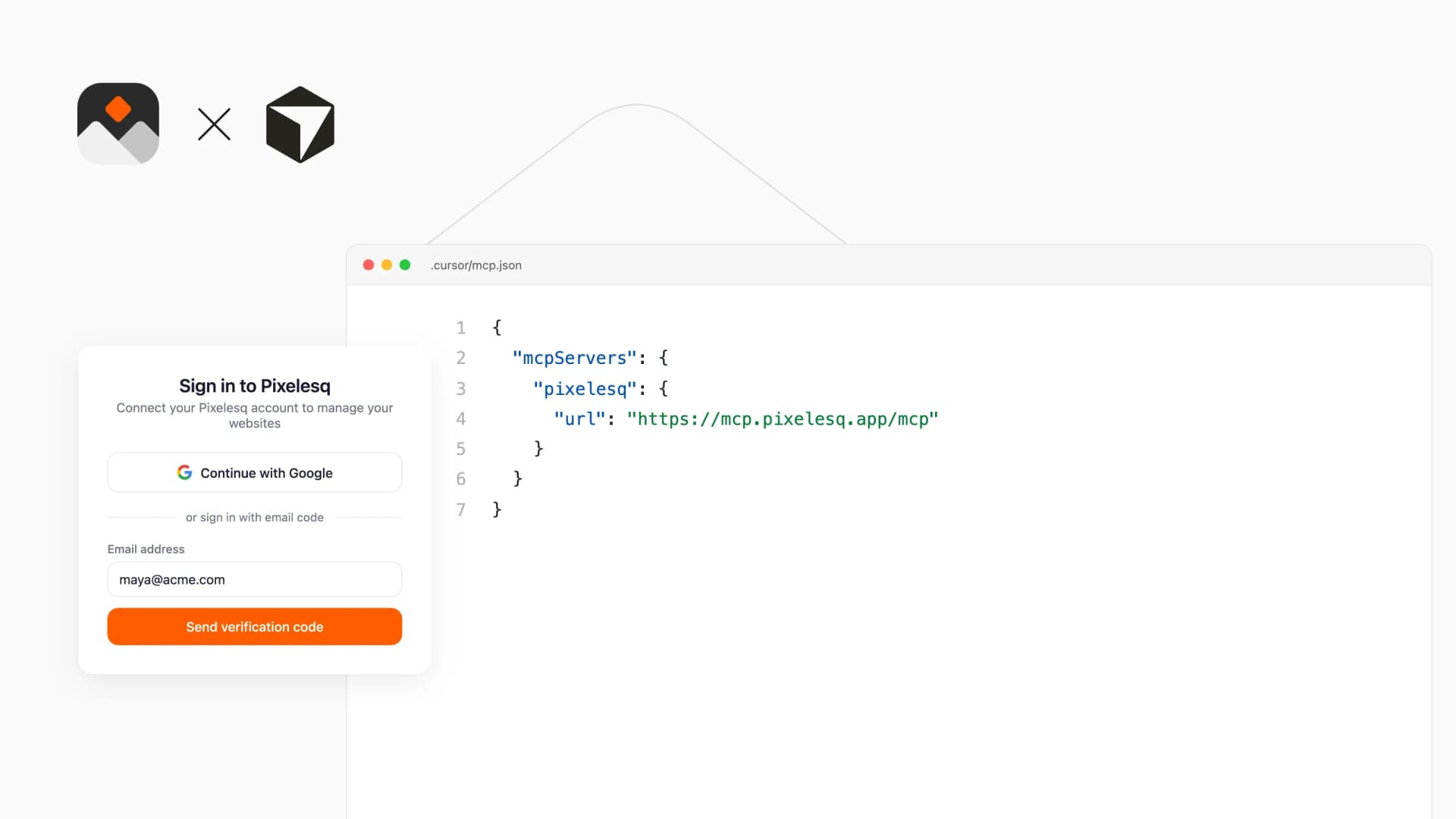
Overview
Add the Pixelesq server to Cursor and its agent works on your website next to your code: build landing pages section by section, write blog posts into collections, update SEO titles and redirects, read Search Console and traffic numbers, and adjust the theme. Page and entry edits stay drafts until you publish. Some changes, such as redirects and theme updates, apply right away.
It suits teams where the people who ship the product also ship the website. Update the pricing page, the changelog or a launch post from the same window.
How it Works
Add the Pixelesq server URL to Cursor and sign in with Google or your Pixelesq email the first time. You need a Pixelesq account with at least one project. The agent then works with your projects with the same role you have in Pixelesq.
Ask in plain words, such as "add a changelog entry for version 2.4" or "which pages lost clicks this month?" The agent reads the current content first and changes only what you asked for.
Configure
Click Install App on this page to add Pixelesq to Cursor in one step, or add it by hand:
1. Open .cursor/mcp.json in your project, or ~/.cursor/mcp.json to use Pixelesq in every project
2. Add {"mcpServers": {"pixelesq": {"url": "https://mcp.pixelesq.app/mcp"}}}
3. Sign in with Google or your Pixelesq email when Cursor asks
4. In the agent chat, ask Cursor to list your Pixelesq projects