Pixelesq for Mac
Pixelesq in your Dock, with a Mac notification when a new lead, form submission, or chat needs you, even with the window closed. For Apple silicon and Intel Macs with macOS 13 Ventura or later.
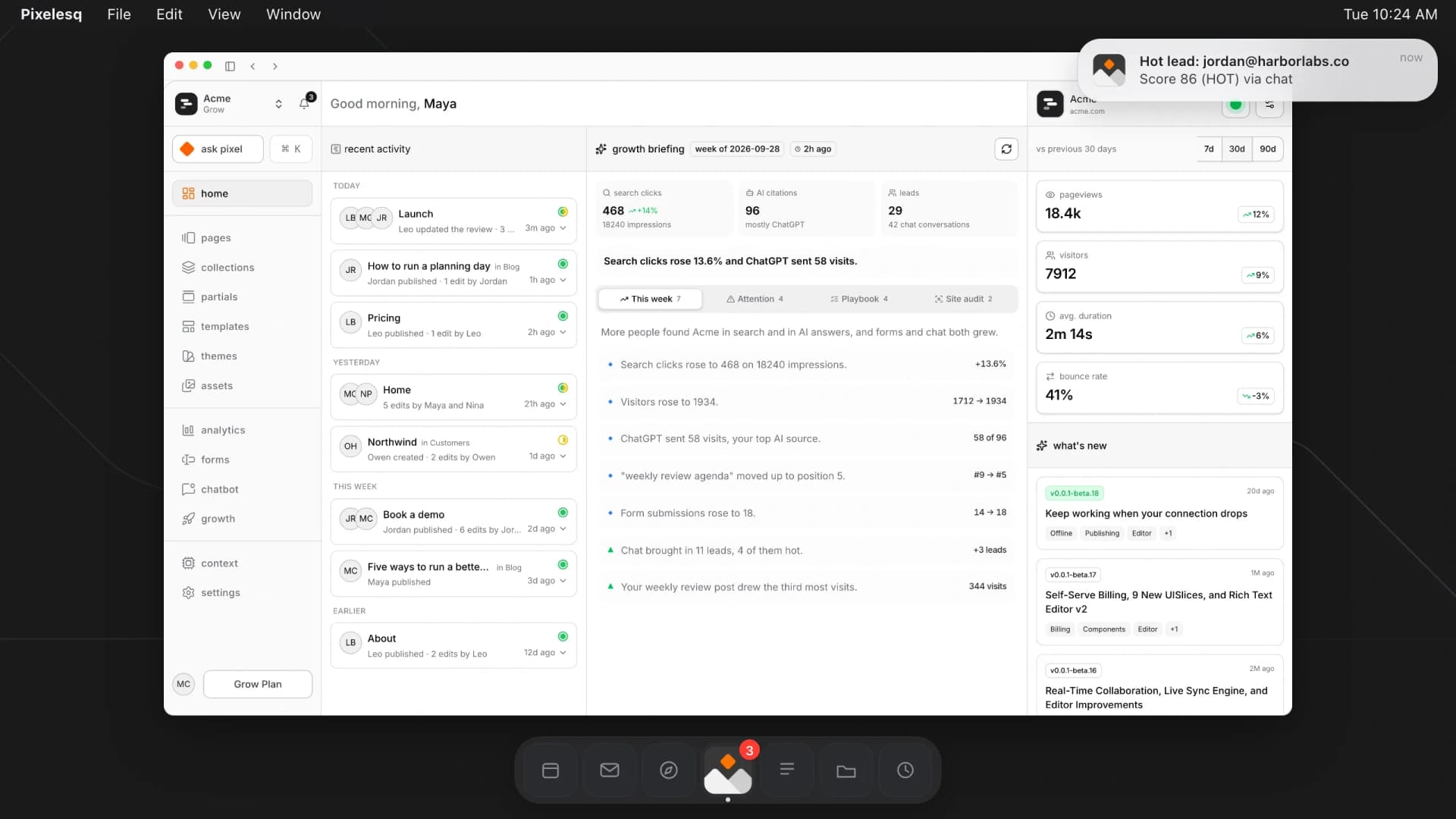
Your sites are already in the app
Sign in with your Pixelesq account, and your sites, pages, leads, and settings are all there, with nothing to import or set up again. Changes show up in the app and the browser alike, and the app is included with every plan.
What the Mac app adds

Know when a lead comes in
A Mac notification tells you about new leads, form submissions and chats that need you, even with the window closed.

See what's waiting at a glance
Your Dock icon shows how many notifications you haven't read, across all your sites.
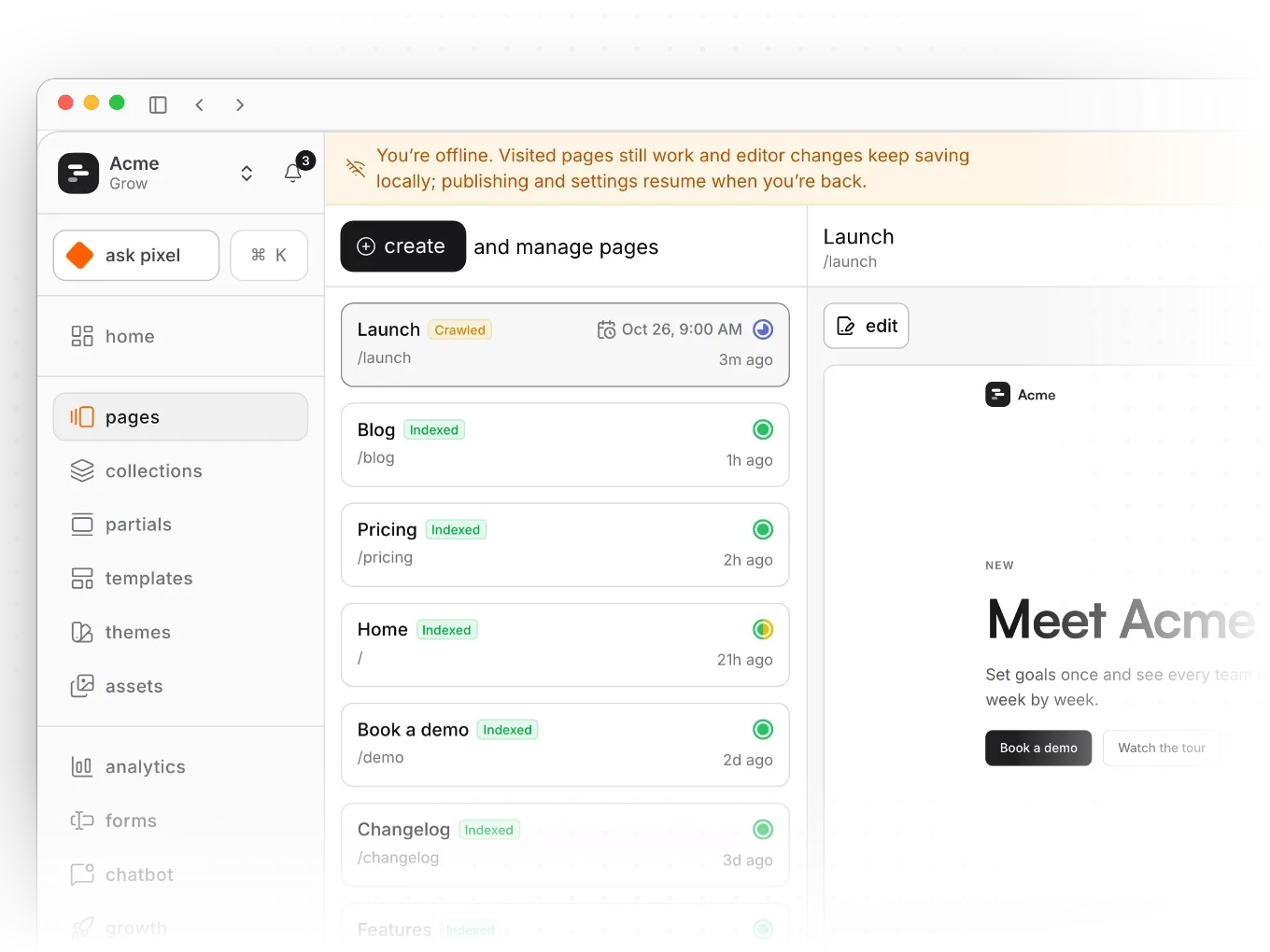
Keep working when Wi-Fi drops
Keep editing when Wi-Fi drops. Your changes sync once you're back online.
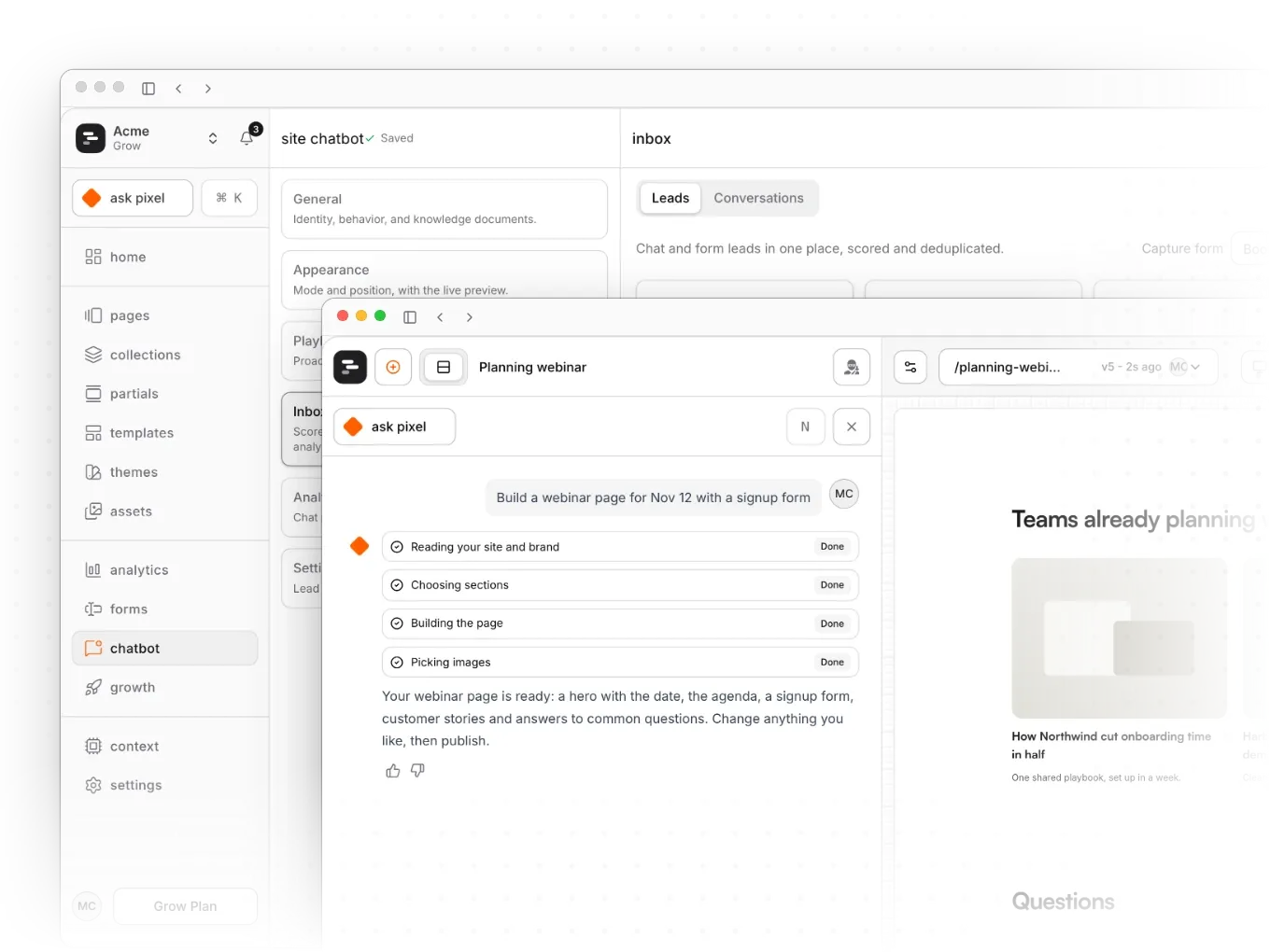
Work in more than one window
Press Cmd+N for a second window, like your leads beside the page you're editing.
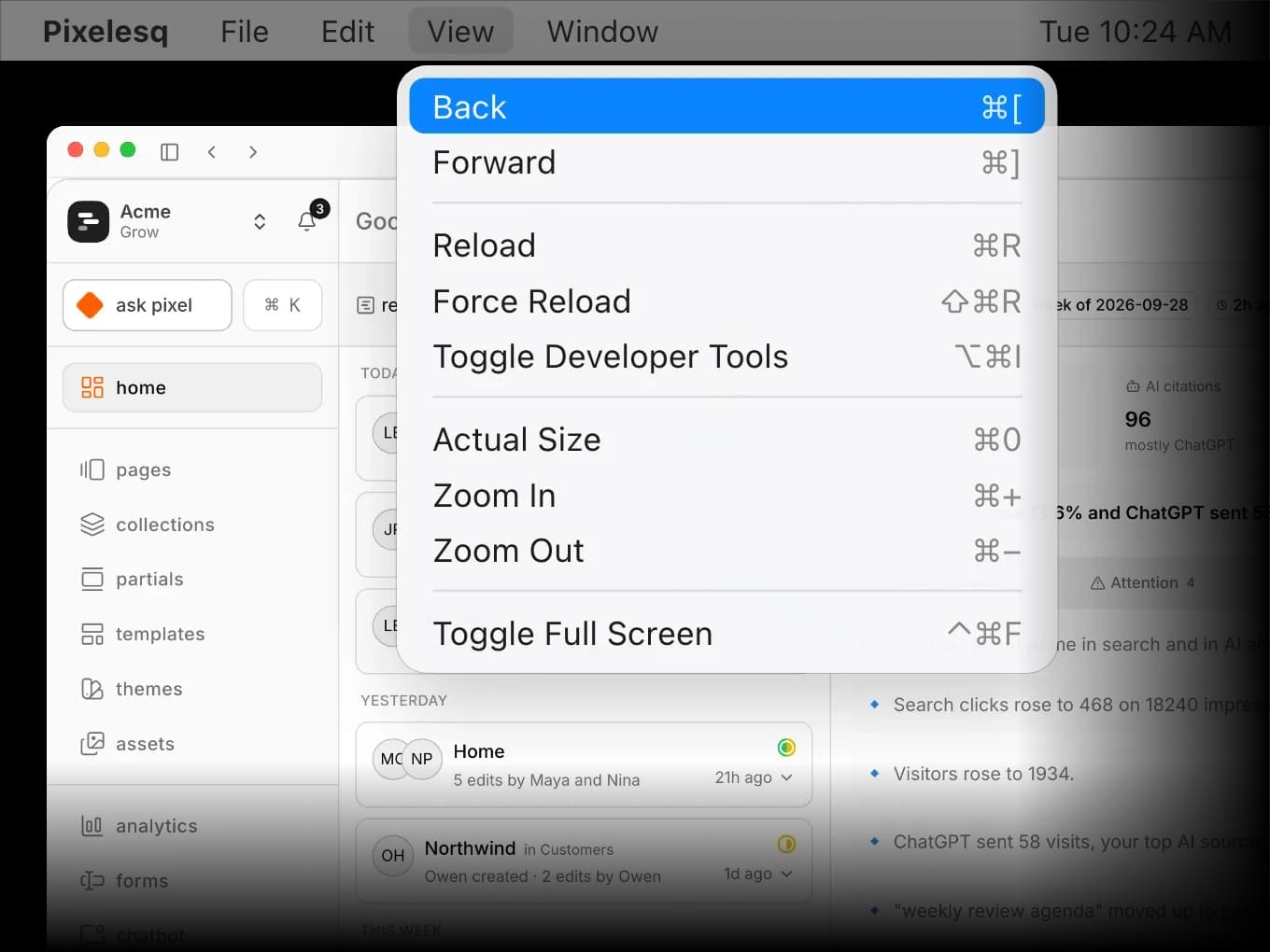
Works the way your Mac does
Back, forward and zoom use the shortcuts you know, and the window reopens where you left it.
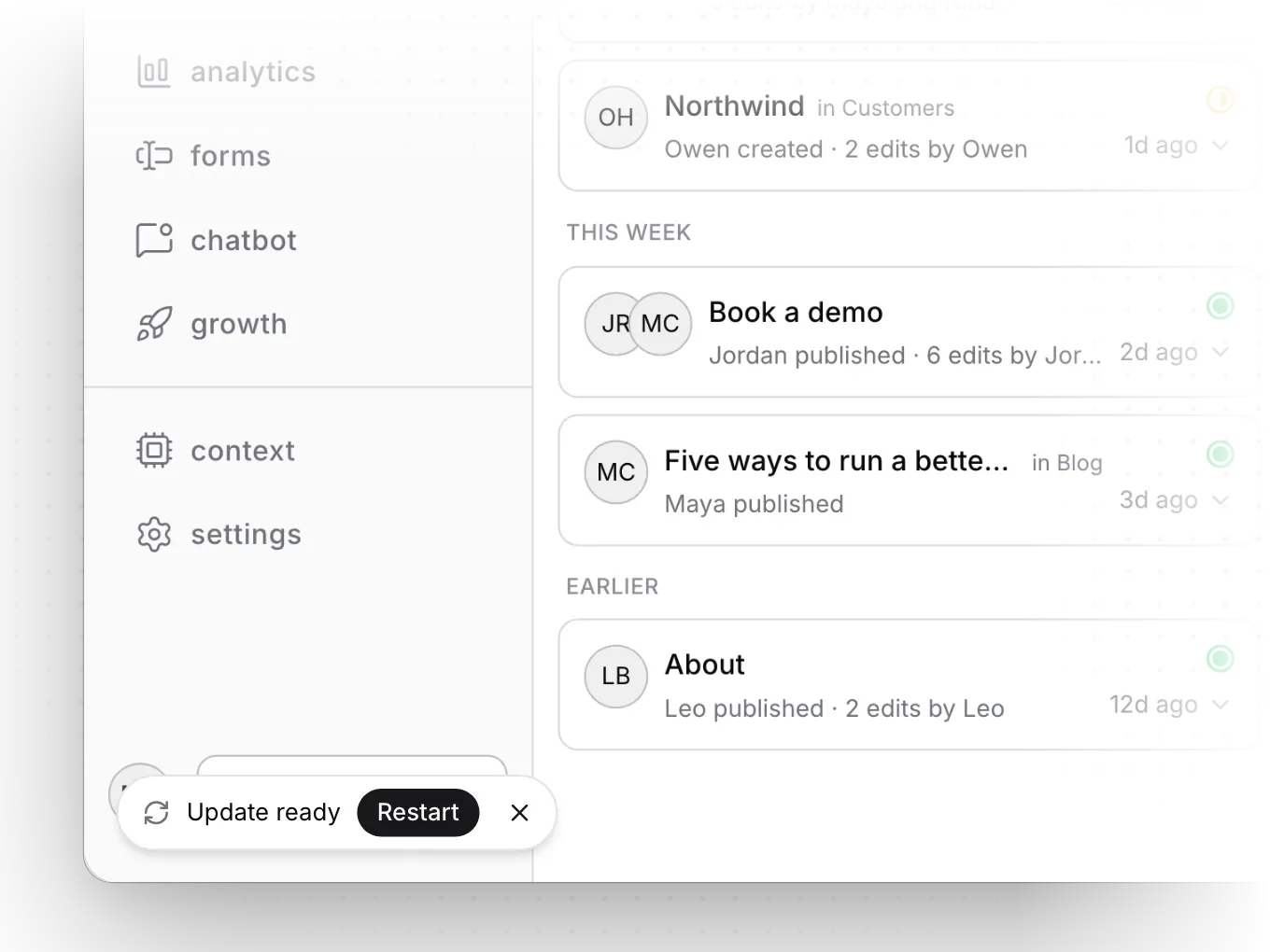
Stays current by itself
New versions download in the background. Click Restart when "Update ready" appears.
Install Pixelesq on your Mac
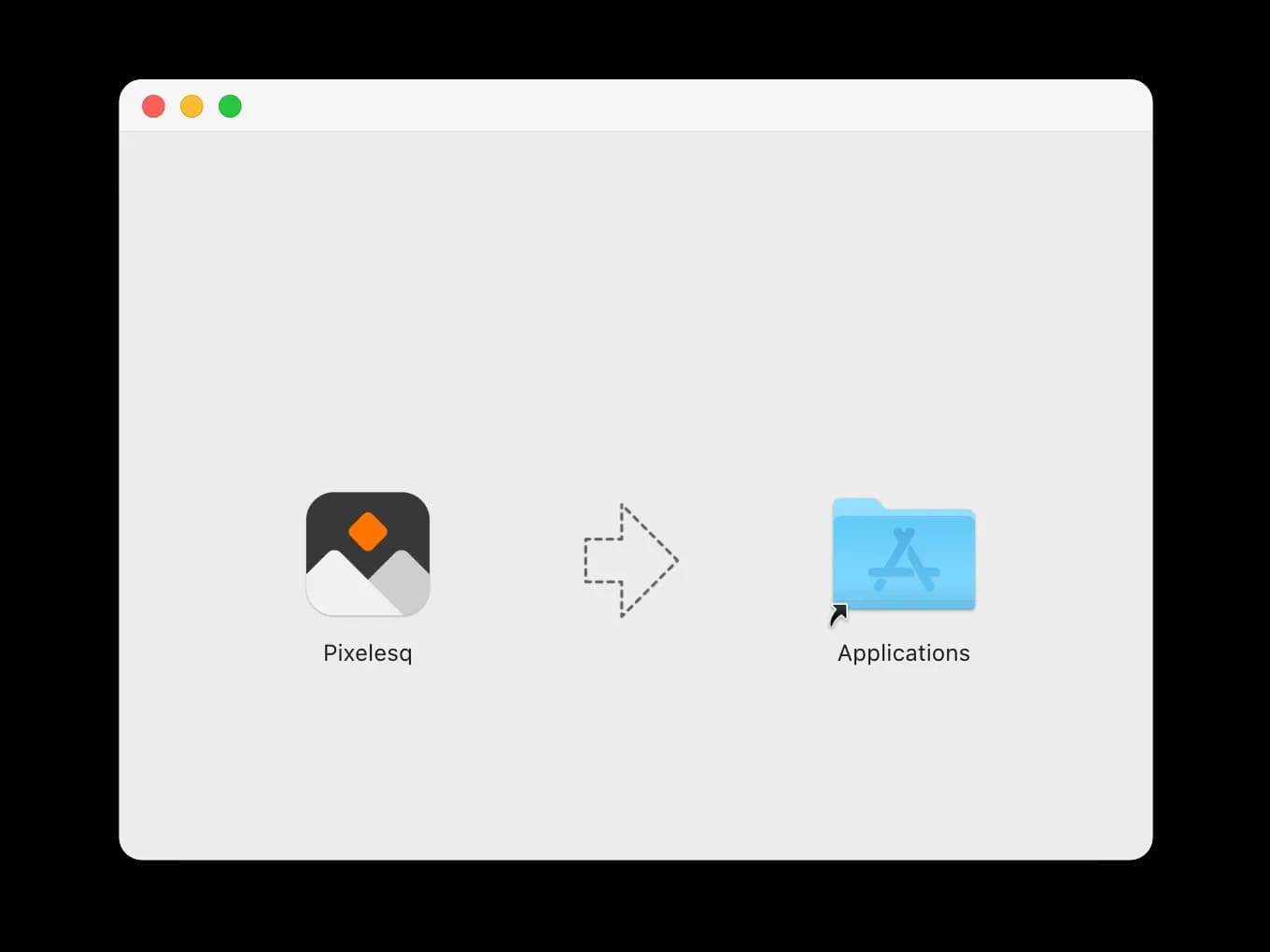
- Open the file you downloaded, Pixelesq.dmg (Pixelesq-Intel.dmg on an Intel Mac).
- Drag Pixelesq into your Applications folder.
- Open Pixelesq and sign in. If you sign in with Google, your browser opens for that step and brings you back to the app.
The first time Pixelesq has a notification for you, macOS may ask whether to allow it. Click Allow. Seeing a message you didn't expect? Read the install guide.
Questions about Pixelesq for Mac
Answers on price, which download to pick, safety, sign-in, notifications, working offline and updates.
Start your first Pixelesq site
Build your site, then sign in to the Mac app with the same account and keep new leads one click away. No card needed.


