HELP CENTER -> Lead capture
Fix a form that is not sending submissions or emails

If emails aren't arriving
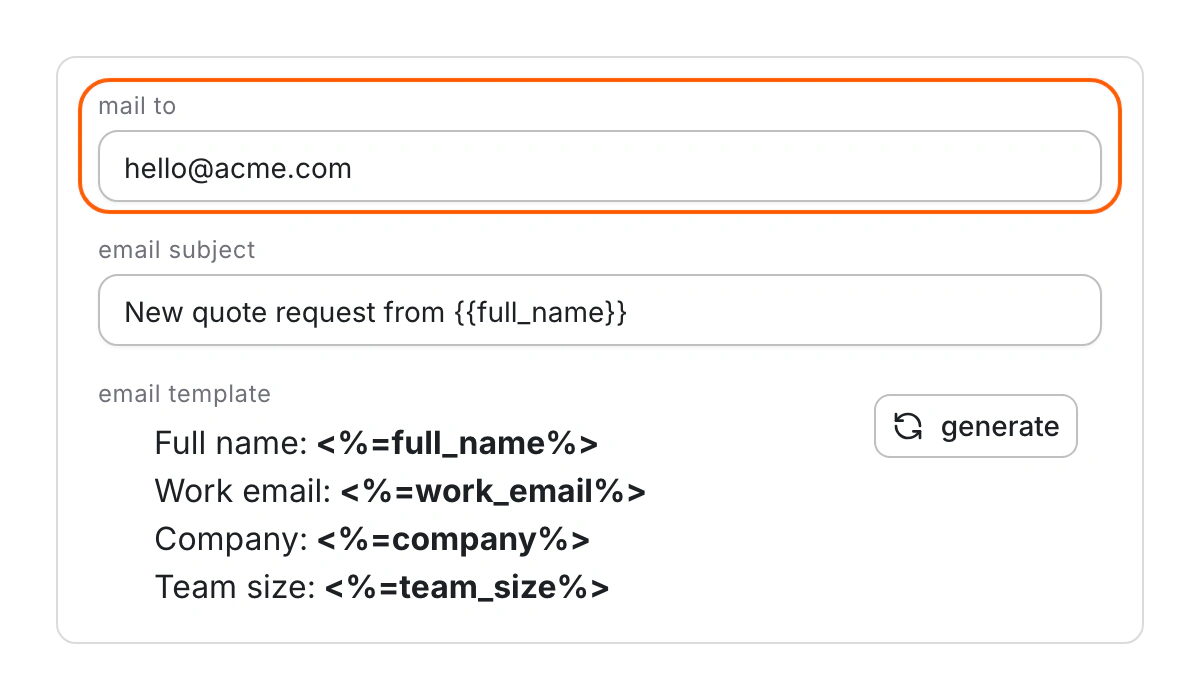
- In the form editor, fill in Mail To if it's empty.
- If Email Template is empty, click generate.
- Check Notification Routing. A matching rule sends the email to someone else.
- Open Submissions, then Spam, and click Not spam on real ones.
- Search your junk folder for "Pixelesq - Form Submission" or your own subject.
If no submissions come in
- Open the page in the editor and click the form section.
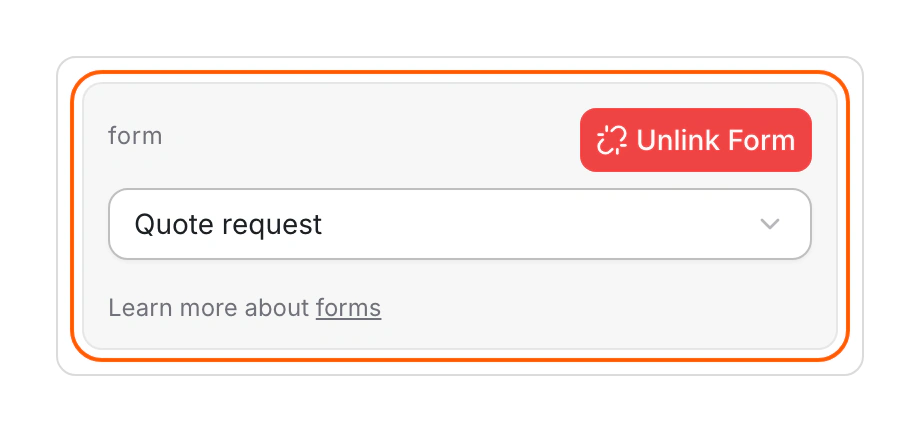
- Use Select a form and pick your form. A section with no form chosen shows a sample form that sends nothing.
- Publish the page.
Limits
- Past emails aren't resent, including submissions you restore from Spam.
- Select a form lists your 20 most recently updated forms.
Common questions
Emails stopped after I added a statement or a conditional field. Why?
A generated template can fail on those fields. Rebuild it with {{field_name}} placeholders for your fields.
Why does the page say "Empty Form"?
The form it used was deleted. Choose another form in the section.
What does "This form is temporarily unavailable" mean?
Your project has used its monthly submission limit, and spam counts toward it. Forms reopen on the 1st of the month, or as soon as you upgrade.
On this page
If emails aren't arrivingIf no submissions come inLimitsCommon questions
Prerequisites
Still have questions?
Ask Pixel in your dashboard. It can make many changes for you, or take you to the right screen. Our team can also help you plan, build or move your site.


