HELP CENTER -> Lead capture
Send your website leads to HubSpot, Zoho or another CRM
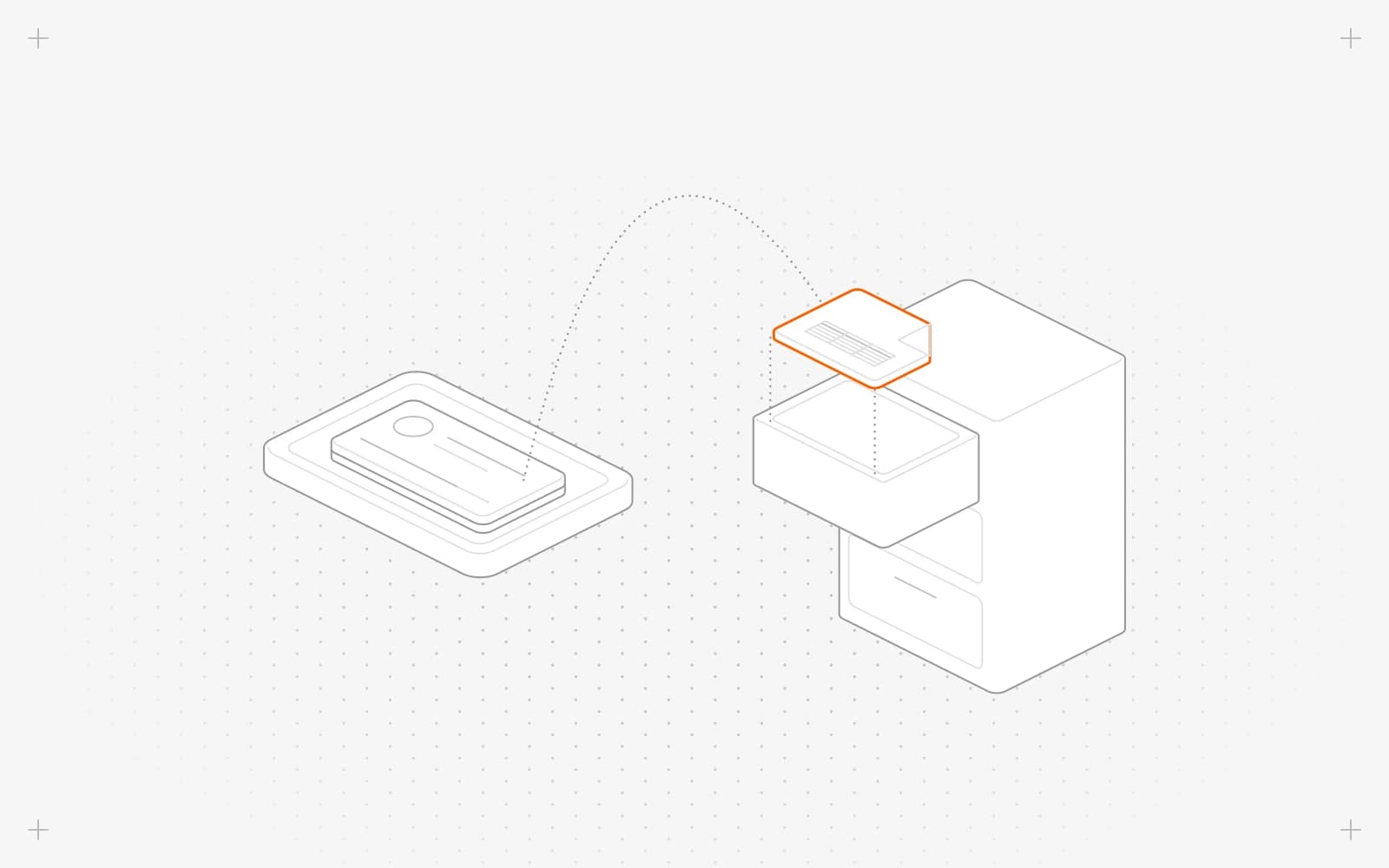
Send leads to HubSpot or another CRM
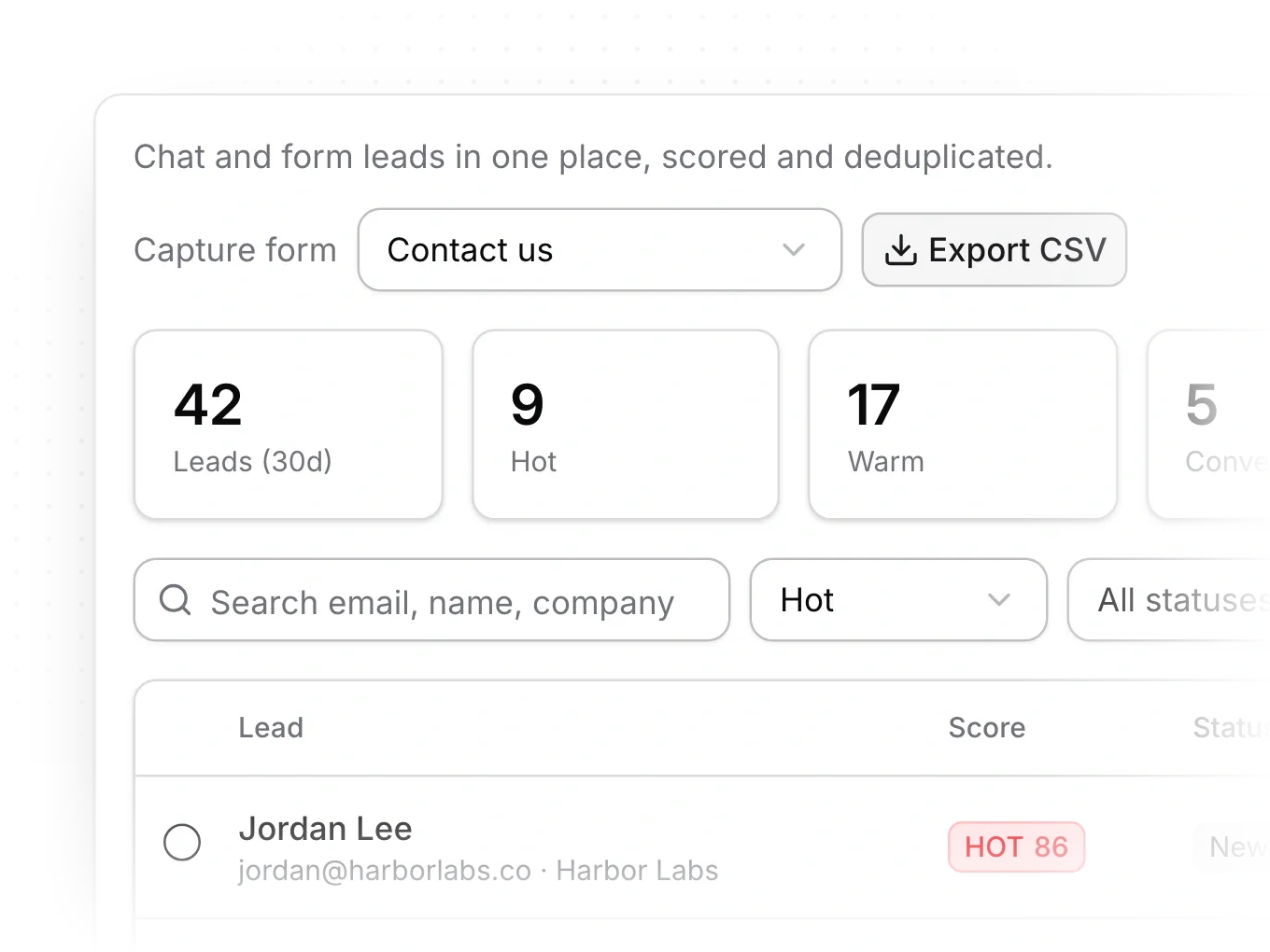
- In the sidebar, under manage, click chatbot, then Inbox, then Leads.
- Click Export CSV.
- In HubSpot, or your CRM, import the file as contacts and match the columns.
The file holds each lead's email, name, company, role, source, score, band, status, page and date.
Connect Zoho CRM
- An Owner clicks settings, then Integrations.
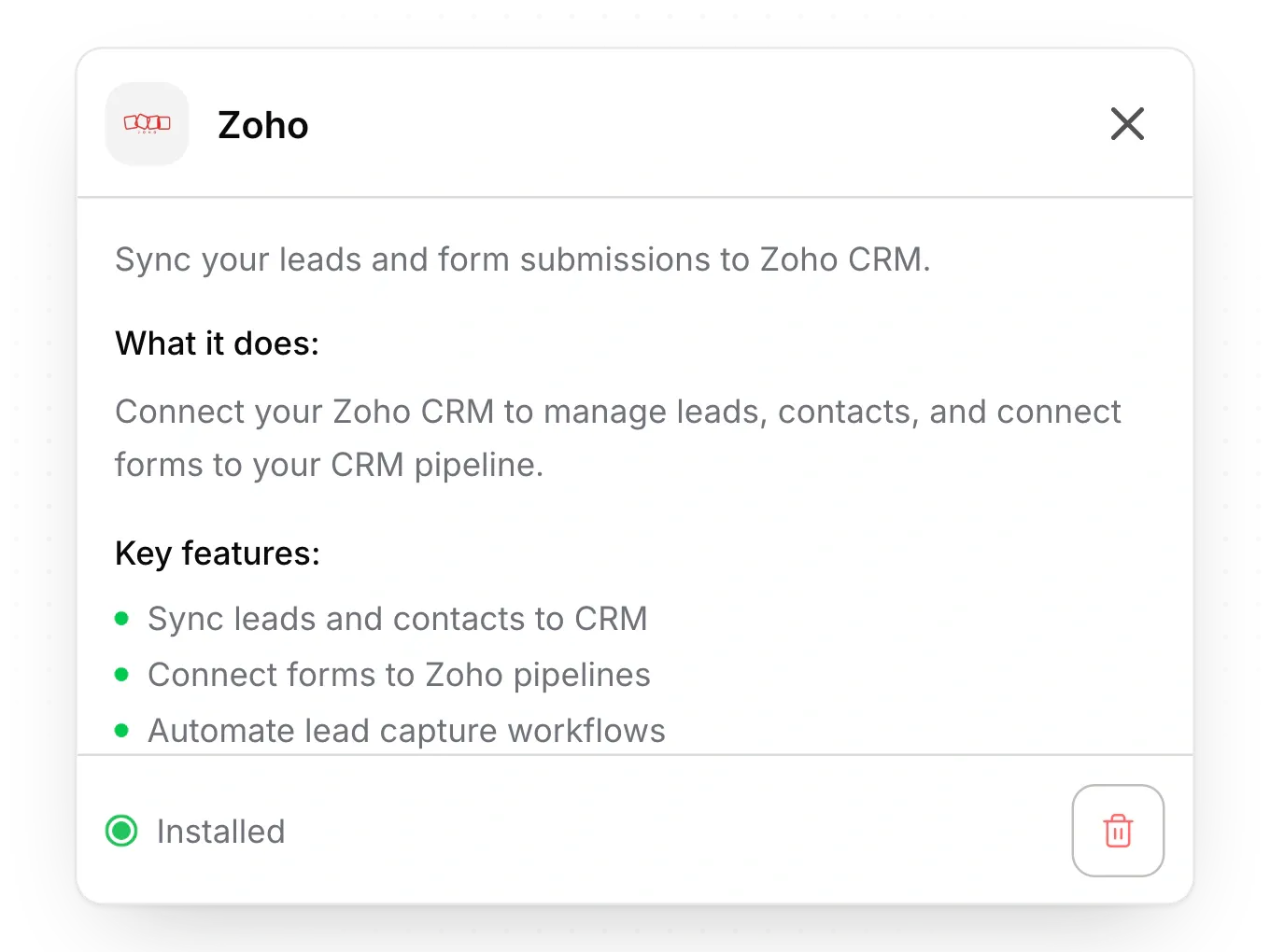
- On the Zoho card, click Install and approve access in Zoho. The card then shows installed.
- On Grow and up, every chat lead goes to Zoho Leads with the lead source "Website Chat".
- For form leads, open the form, turn on Zoho Actions, tick Insert Lead or Upsert Lead, and map fields under Field Mapping with Add mapping.
Limits
- HubSpot doesn't connect to Pixelesq directly. Use the CSV export.
- Zoho gets new leads one way, when they're captured. Status changes in Pixelesq don't reach Zoho, and nothing comes back from Zoho.
- Zoho needs a last name on every lead, so map a form field to Last_Name.
- Chat leads go to Zoho on Grow and up. Form leads can go to Zoho on every plan.
Common questions
Why are leads missing in Zoho?
For chat leads, check that you're on Grow or up. For form leads, check that a field maps to Last_Name. If leads still don't arrive, remove Zoho in Integrations and install it again.
What does "Failed to integrate zoho" mean?
The Zoho sign-in didn't finish. Click Install and try again.
On this page
Send leads to HubSpot or another CRMConnect Zoho CRMLimitsCommon questions
Prerequisites
Still have questions?
Ask Pixel in your dashboard. It can make many changes for you, or take you to the right screen. Our team can also help you plan, build or move your site.


