What Owners, Editors and Viewers can do, and how to change roles
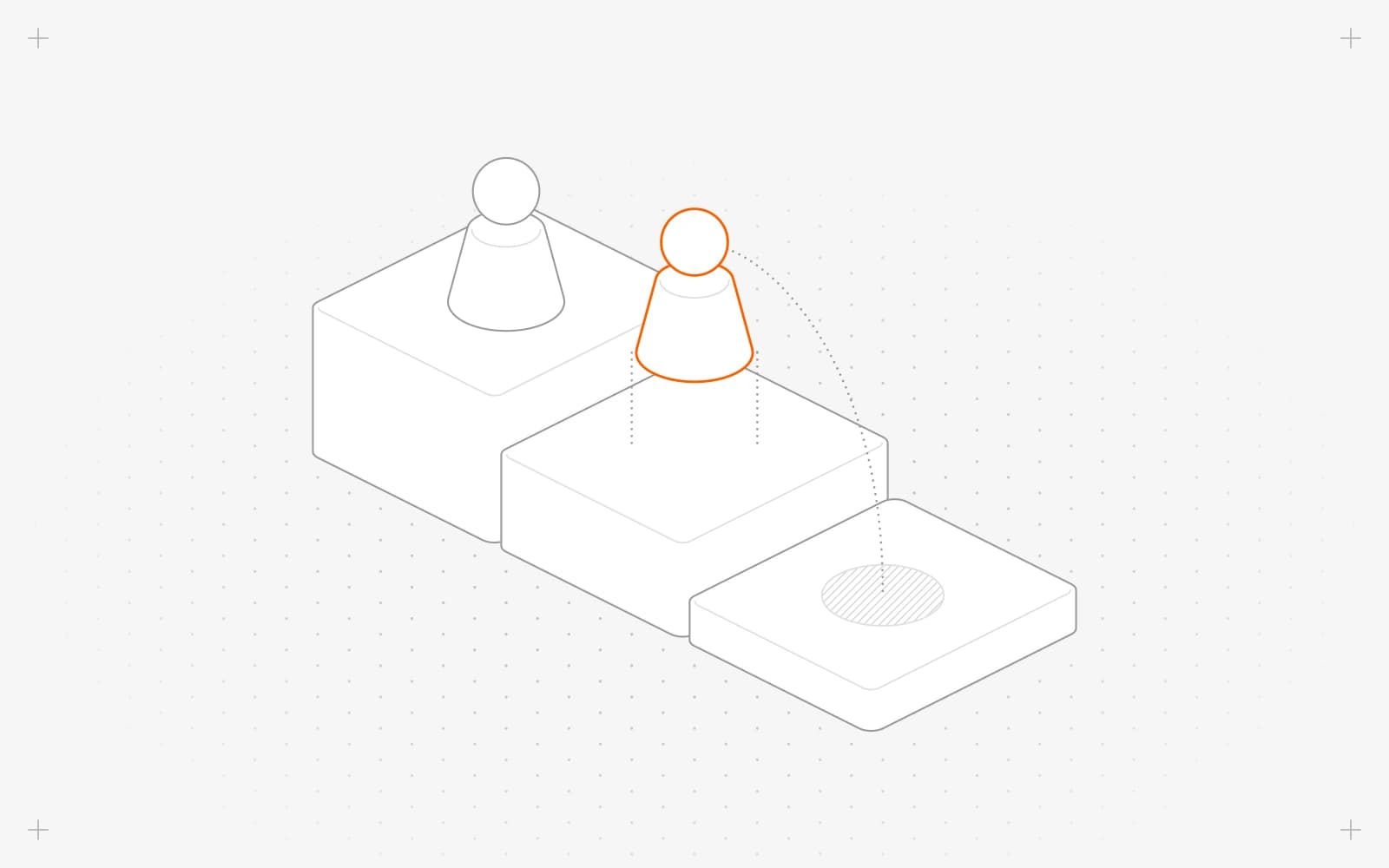
What each role can do
- Owner: "Full control of the project." The team, billing, plan, domains, integrations, project settings and deleting the project.
- Editor: "Builds and publishes the site." Pages, content, collections, forms, themes, assets, redirects, domains, context, the chatbot, Growth, analytics and leads.
- Viewer: "Read-only access." Can browse pages, content and analytics.
See everyone's role in settings, then Team, in the Role column.
Change someone's role
- In settings, then Team, click the three dots on the person's row.
- Pick Make Editor or Make Viewer. It applies at once.
- For Make Owner, confirm that they'll get full control of the project, including billing, the team and deletion.
- Look for "Updated user role".
Hand a project over to someone else
- Invite them as an Owner, or pick Make Owner on their row. See Invite a teammate.
- They open settings, then Team, and change your role or remove you.
The saved card and invoices stay with the subscription. The new Owner can change the card in Manage billing.
Remove someone
- In Team, click the three dots on their row and click Delete.
- Confirm "This user will be removed from the project." with Delete. Look for "Deleted project user".
They lose access to this project at once. Their account and other projects stay as they are.
Limits
- Only Owners can change roles or the team.
- Every project keeps at least one Owner, so the last Owner can't be demoted or removed.
- In settings, Editors see only a few tabs, such as Domains and Redirects, and can't remove a domain.
- Viewers don't see chatbot, context or settings.
- There's no one-click ownership transfer.
Common questions
What does "last owner" mean next to an option?
The project has only one Owner. Make someone else an Owner first.
What does "Failed to update user role" mean?
The change didn't save. Reload the page and try again.
Can an Editor publish?
Yes. Editors build and publish pages, entries, forms and themes.
On this page
What each role can doChange someone's roleHand a project over to someone elseRemove someoneLimitsCommon questions
Still have questions?
Ask Pixel in your dashboard. It can make many changes for you, or take you to the right screen. Our team can also help you plan, build or move your site.


