Manage your entire website from ChatGPT
Create pages, edit content, check SEO and publish your website, all from a conversation in ChatGPT.
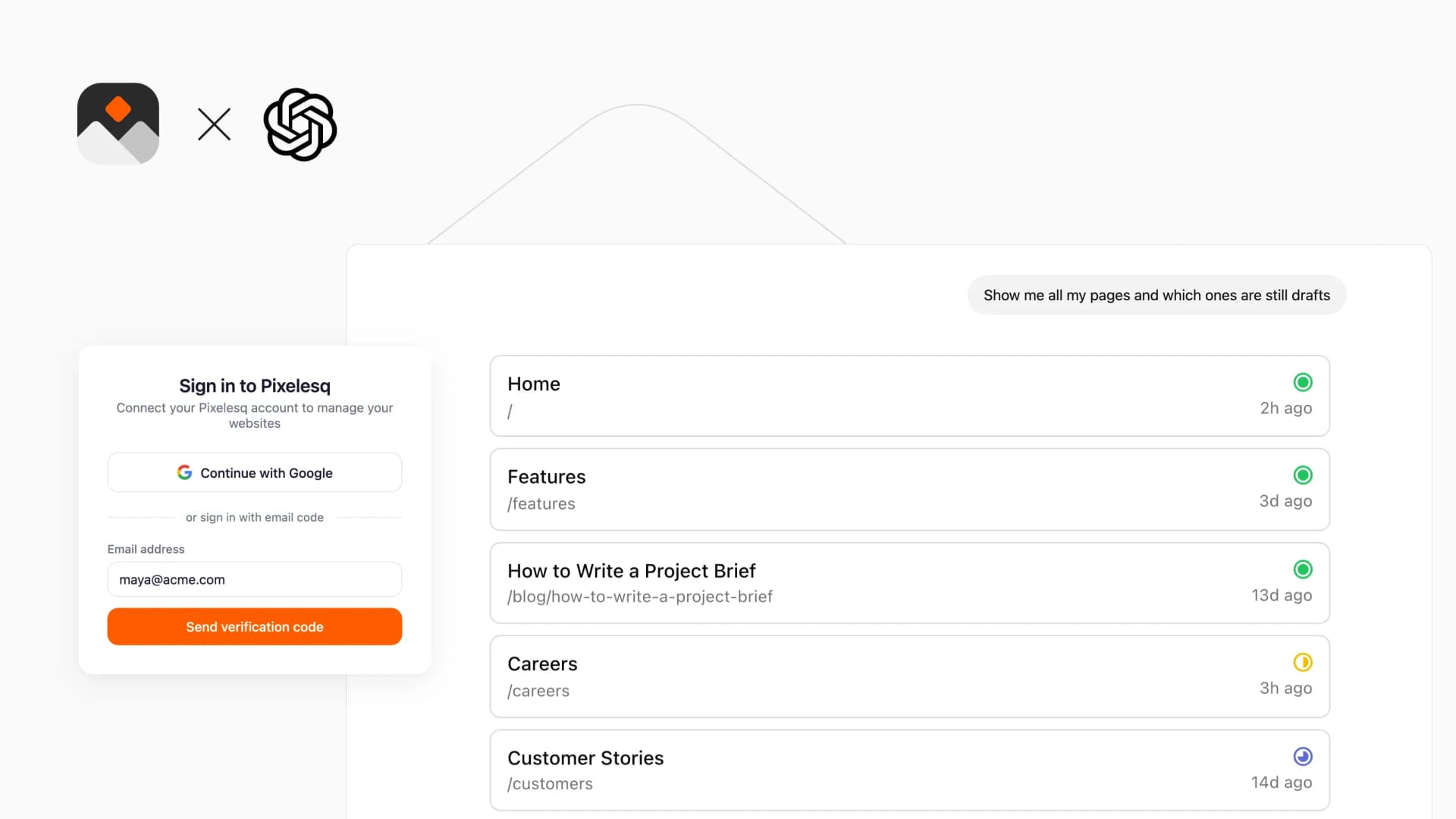
Overview
Connect your Pixelesq website to ChatGPT and run it from a chat: build pages section by section, write blog posts into collections, read Google Search Console and traffic numbers, fix SEO titles and redirects, and adjust the theme. Every page and entry edit is a draft until you or ChatGPT publish it.
ChatGPT also shows visual cards for your pages, analytics, SEO health and theme, and can create images for your site.
How it Works
Add Pixelesq to ChatGPT and sign in with Google or your Pixelesq email. ChatGPT then works with your projects, pages, collections, forms, Search Console data, analytics and theme, with the same role you have in Pixelesq.
Describe what you need in plain words, such as "add a pricing page with three plans" or "show me which pages are not indexed on Google". ChatGPT reads the current content first, changes only what you asked for, and asks before each change.
Review the draft in your Pixelesq dashboard or in the chat, then ask ChatGPT to publish.
Configure
1. In ChatGPT on the web, open Settings and turn on Developer mode, under Apps or Security and login
2. Go to Plugins, click + and choose Add custom MCP server
3. Name it Pixelesq and enter https://mcp.pixelesq.app/mcp as the server URL
4. Set authentication to OAuth, create the plugin and install it
5. Click Approve, then sign in with Google or your Pixelesq email
Developer mode needs a paid ChatGPT plan. In a work or school workspace, an admin may need to allow it.


