Run LinkedIn ads for your website
Pixel writes LinkedIn ads from your pages, you set the monthly limit, and leads report back to LinkedIn.
Overview
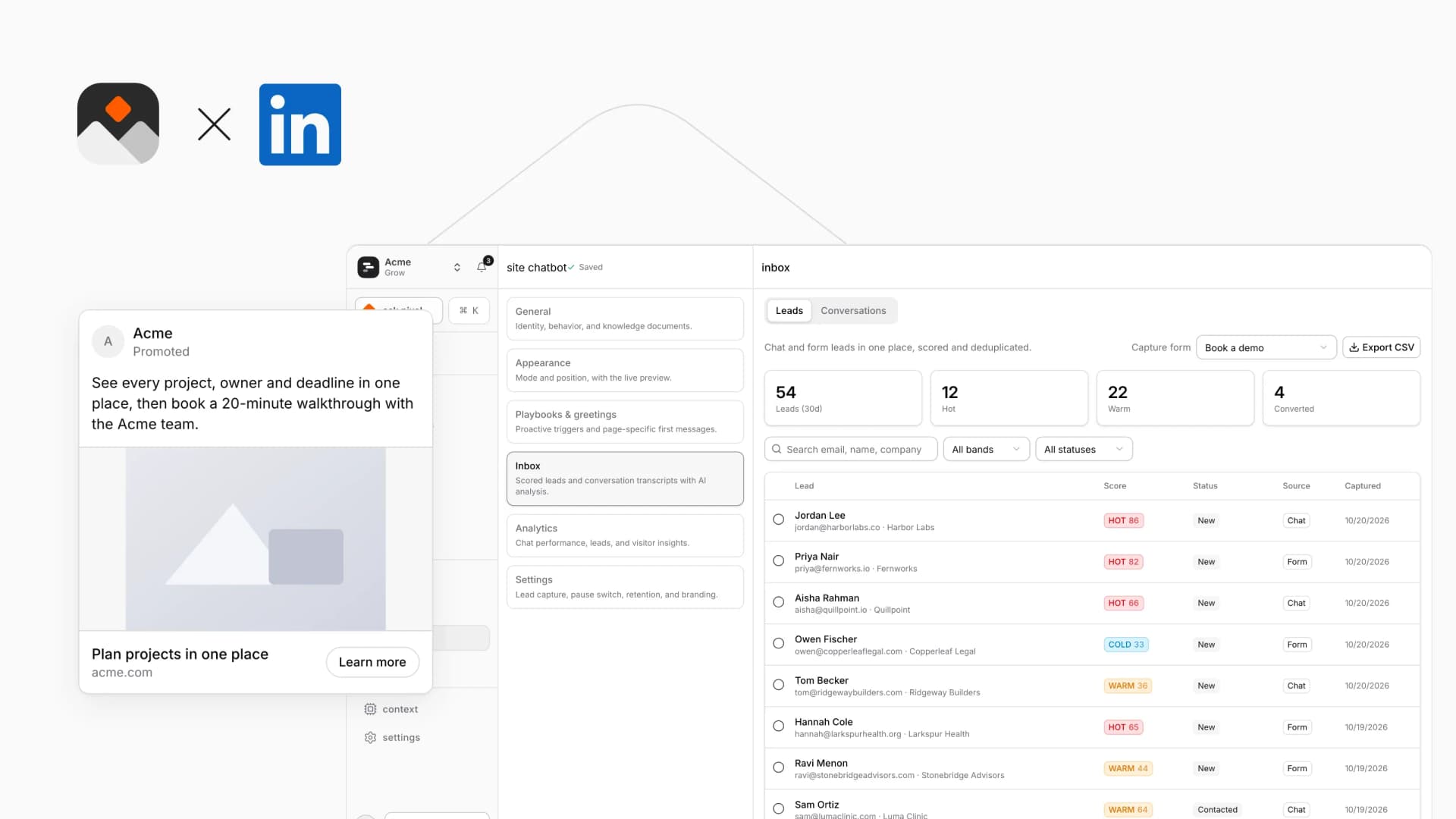
Connect your LinkedIn ad account in Campaigns and run sponsored content for your Pixelesq site next to your other ads. Tell Pixel what you want more of, where your customers are and how much to spend a month. Pixel picks the page people land on, writes the ad and shows you the plan before anything runs.
Nothing spends until you press the button that names the most you can be charged. LinkedIn bills you directly, and Pixelesq adds no fee on your ad spend.
How it Works
Pixelesq adds a lead rule to your LinkedIn account and reports form leads that came from your ads, so LinkedIn can see which ads bring leads. Each lead also shows in Pixelesq next to the ad it came from.
If your domain or landing page breaks, Pixelesq pauses the ads and emails you.
Configure
Open Campaigns in Pixelesq and go to Accounts. Only project owners can connect ad accounts.
Click Connect on LinkedIn and sign in with the login that manages your ad account in Campaign Manager
Pick your ad account. It needs a LinkedIn Company Page linked to it
Work through the Get ready list, including billing in Campaign Manager
On Overview, set your goal and review Pixel's plan


