Edit together in real time, work offline and see who changed what
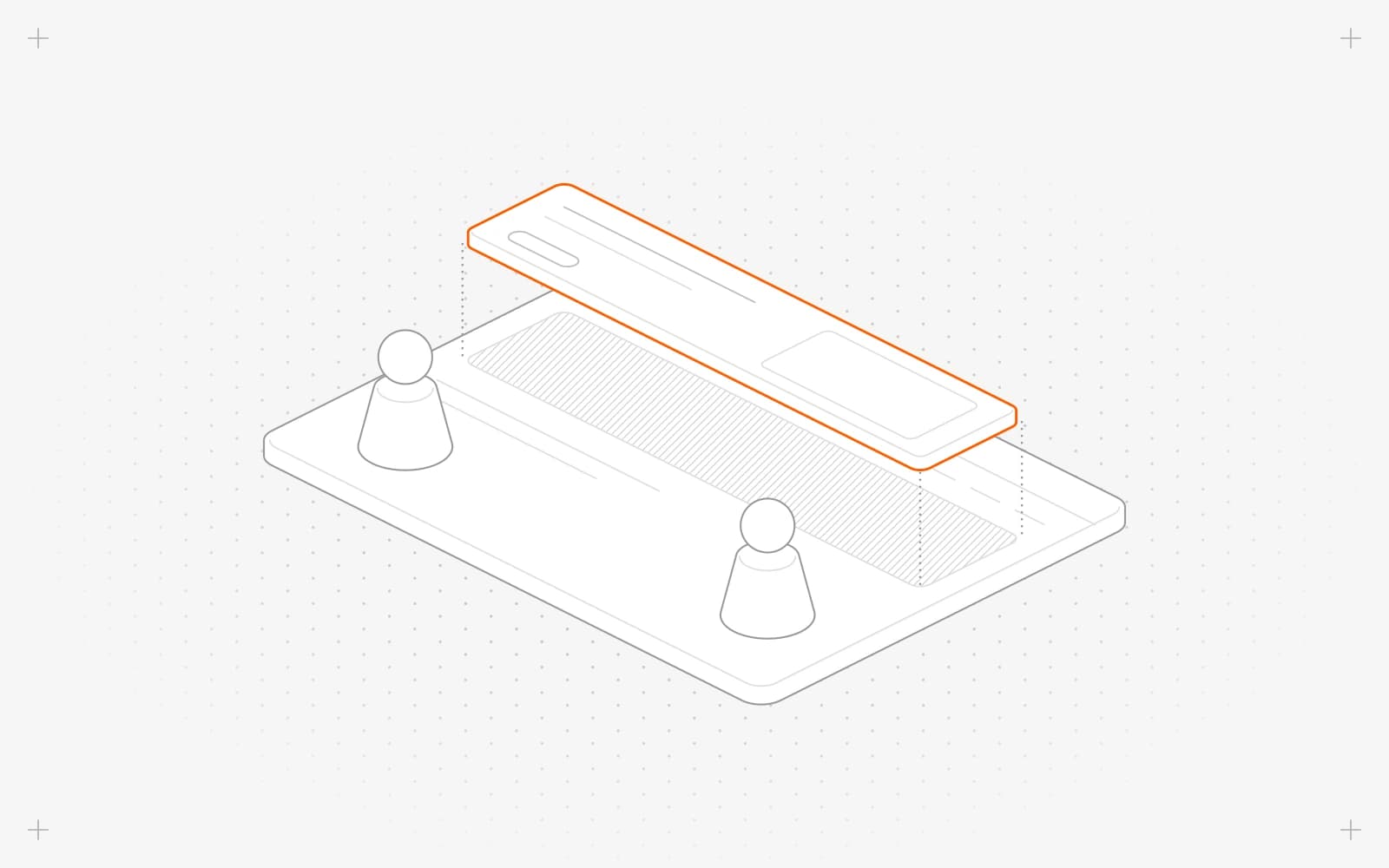
Edit at the same time
- Open a page, header, footer or entry in the editor. Teammates working on it show as avatars in the top bar, up to five, then a +N.
- Hover an avatar to see who it is.
- Keep editing. Their changes reach your screen within about a second, without a reload.
Keep editing offline
- If your connection drops, keep working. Pixelesq keeps your edits on this device, and a banner says you're offline.
- When you're back online, your edits send on their own. Click Save to send them at once.
- Then publish.
See who changed what
- On the dashboard home, find recent activity. Changes are grouped under Today, Yesterday, This week and Earlier.
- Expand an item to see each change.
- A page's details also show its recent activity and revision history.
Limits
- There are no shared cursors or locks. When two people change the same field, the last change wins.
- Edits made with Pixel, Claude or ChatGPT show as the person who asked.
- Avatars don't show on narrow screens or in the template editor.
- Offline, you can't publish, schedule, invite people or change page URLs. Waiting edits stay in this browser only.
- Edits that wait more than 72 hours ask you to Apply or Discard them.
- Recent activity covers pages and entries and keeps the newest 100 events. One person's edits within 30 minutes show as one row. Team, settings, partial, theme, form and domain changes aren't listed.
Common questions
Why did my undo history clear?
A teammate added, removed or moved a section, which clears undo on that page.
What does "sync on hold" mean?
Some edits on this device are waiting and can't send until you fix the cause. See My changes are not on the live site.
Can I see older versions of a page?
On this page
Edit at the same timeKeep editing offlineSee who changed whatLimitsCommon questions
Still have questions?
Ask Pixel in your dashboard. It can make many changes for you, or take you to the right screen. Our team can also help you plan, build or move your site.


