Product
Solutions
Resources
Pricing
Customers
Log In
Try for Free
Help Center
/ Account & Billing
Manage your plan, billing and account
See how the free trial works, pick the plan that fits, and manage your invoices, projects, profile and notifications.
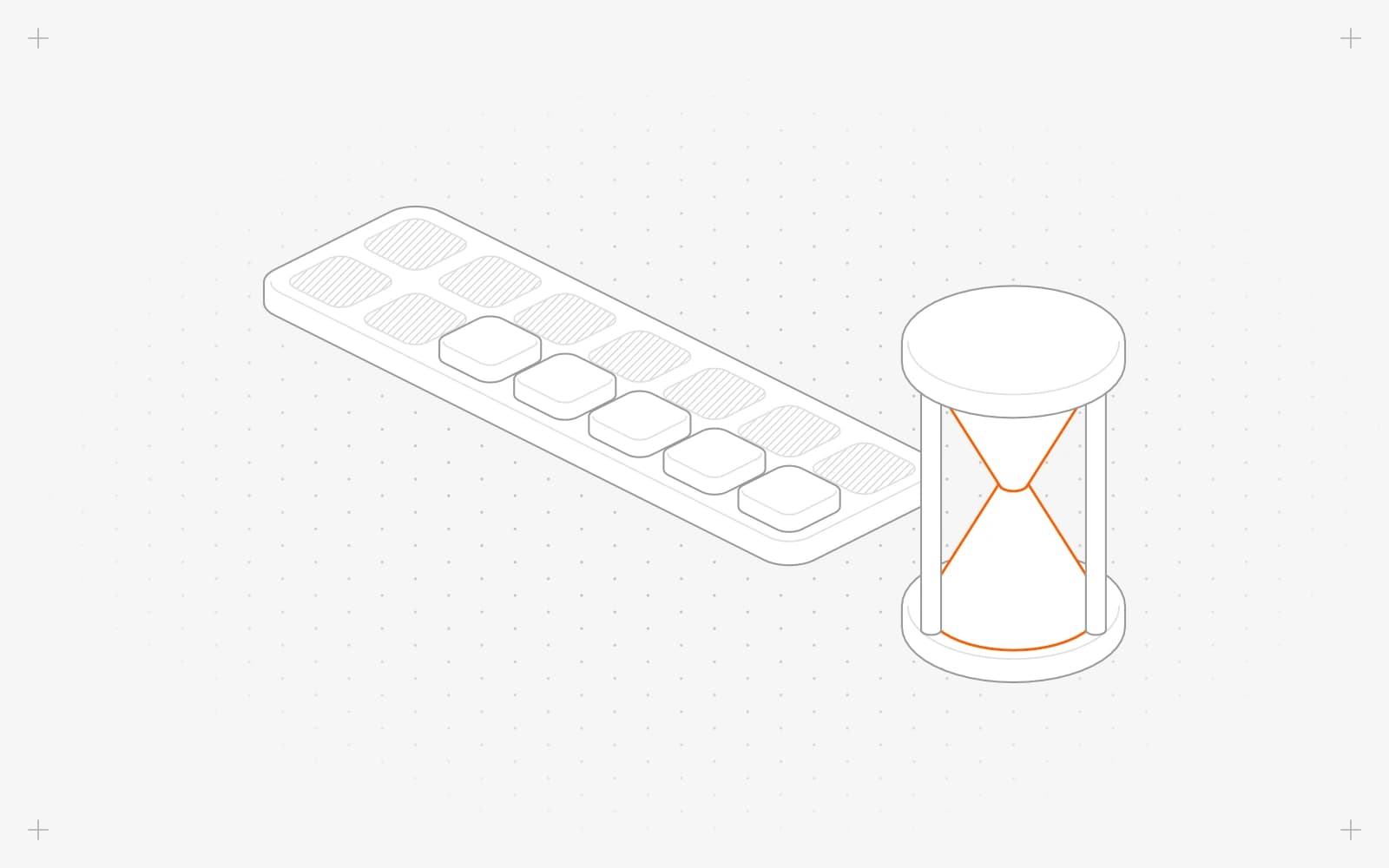
How the Pixelesq 14-day free trial works
→
What happens to your site when your Pixelesq trial ends
→
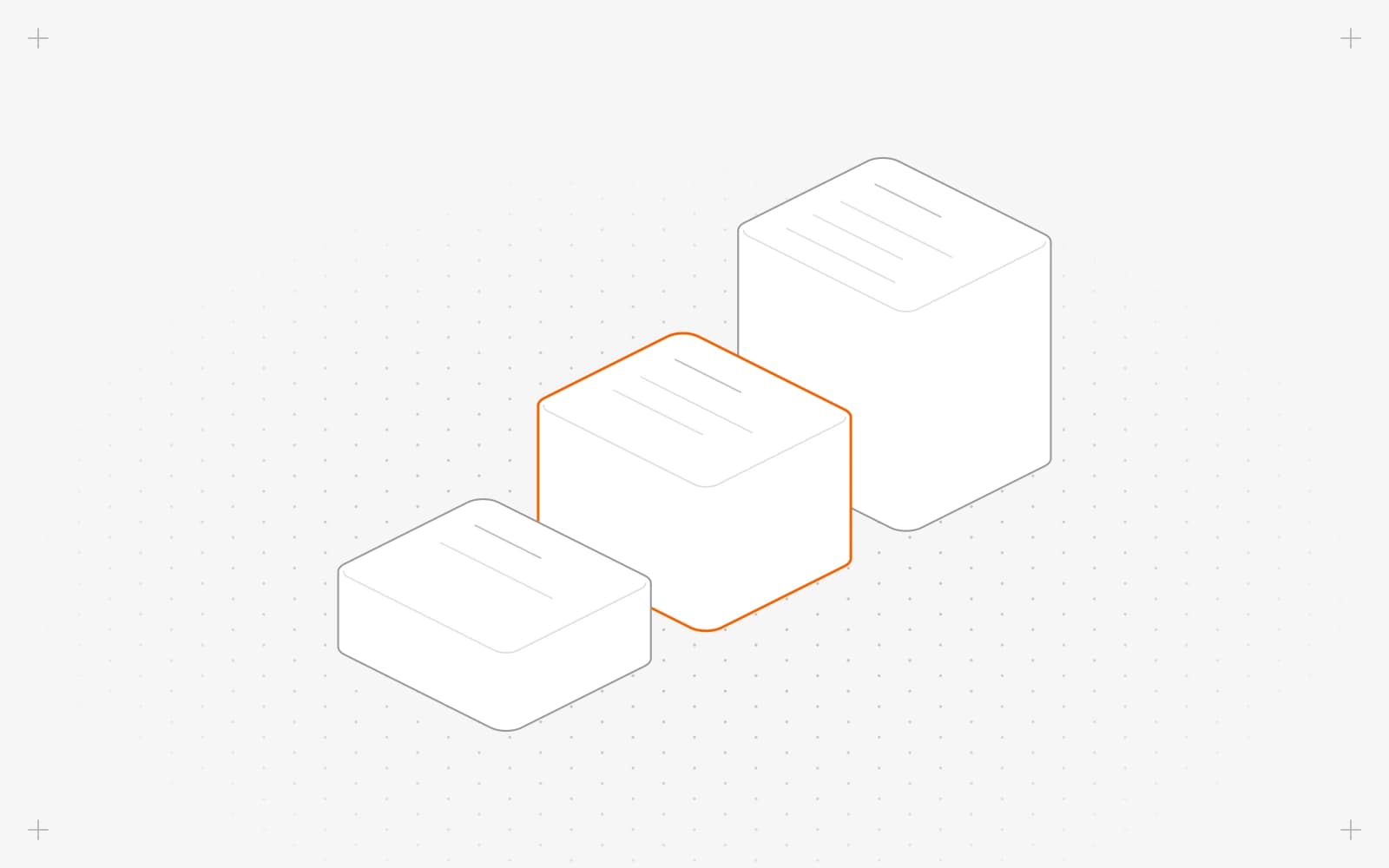
Pixelesq pricing: compare plans and limits
→
Upgrade your project to a paid Pixelesq plan
→
Upgrade, downgrade or switch your Pixelesq plan to annual billing
→
Cancel your Pixelesq subscription
→
Update your payment card and get your Pixelesq invoices
→
Fix a failed payment and keep your Pixelesq plan active
→
Fix "This project is read-only" and edit your site again
→
Create a new project, switch between projects or delete one
→
Change your name, photo, dashboard theme and notifications
→
Delete your Pixelesq account after handing over your projects
→
PLATFORM
Magic Create
Magic Scale
Magic Migrate
Integrations
BUILD
No-code builder
CMS
Design
Media
Collaboration
GROW
SEO and AEO
Keyword research
Content engine
Optimize
Rank tracking
Briefing
CONVERT
Forms
Chatbot
Leads
Analytics
SOLUTIONS
Marketing teams
Small businesses
Startups
Agencies
Enterprises
COMPARE WITH
AI website builders
No-code website builders
CMS platforms
AI app builders
VERSUS
Pixelesq vs Wix
Pixelesq vs Squarespace
Pixelesq vs Webflow
Pixelesq vs WordPress
Pixelesq vs Framer
Pixelesq vs Lovable
RESOURCES
Help Center
Guides
Glossary
Changelog
Customers
COMPANY
Pricing
Get a demo
Log in
↗
Try for free
↗
© 2026 Pixelesq | All rights reserved
Privacy Policy
Terms of Service
built with
pixelesq