Product
Solutions
Resources
Pricing
Customers
Log In
Try for Free
Help Center
/ Building Pages
Build and edit pages on your website
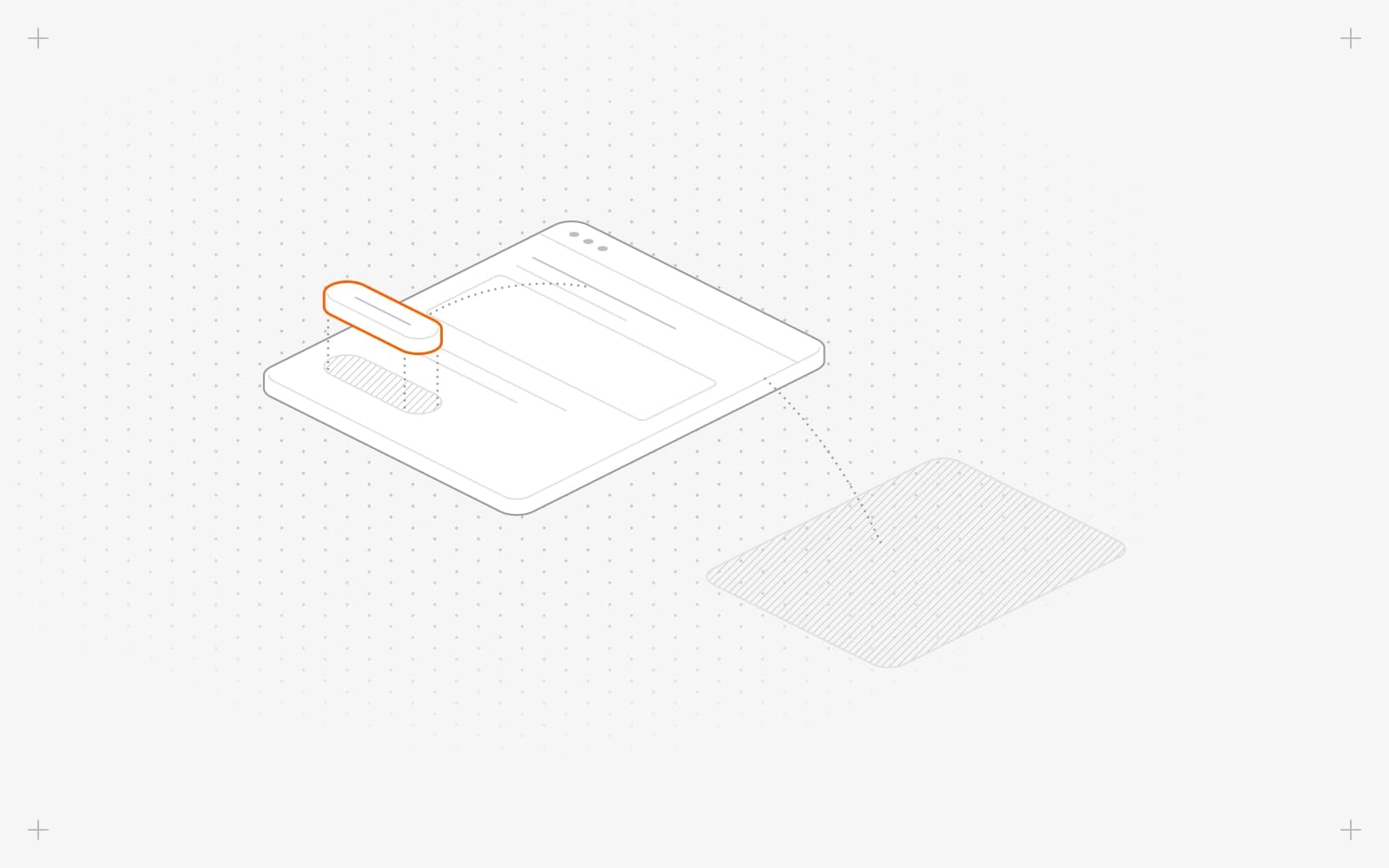
Create pages from ready-made sections, edit text and images right on the page, and reuse your header, footer and other parts across your site.
Create a new page on your website
→
Manage your website pages: preview, copy links and delete
→
Duplicate a page to reuse its layout and content
→
Rename a page or change its URL without breaking links
→
Find your way around the Pixelesq page editor
→
Add a section to a page from the section library
→
Add an AI-written section to a page with Magic Add
→
Move, copy, paste or delete sections on a page
→
Save, undo and redo your edits in the page editor
→
Edit the text, images and buttons on your pages
→
Ask Pixel to rewrite, restyle or move a section
→
Format text with headings, lists, tables and links
→
Add or change a link on a button, menu or logo
→
Find and fix broken links and buttons that lead nowhere
→
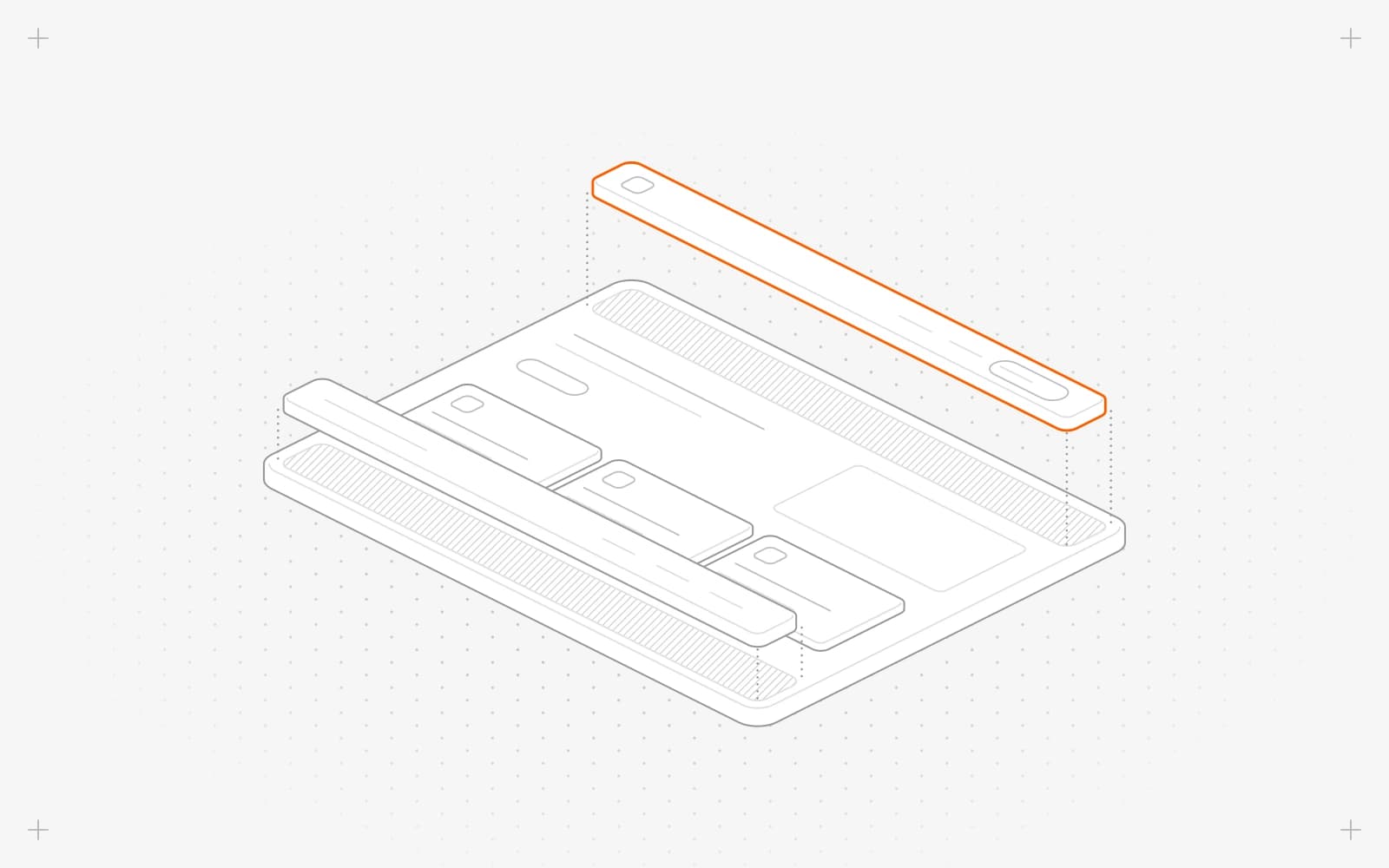
Edit the header and footer on every page of your site
→
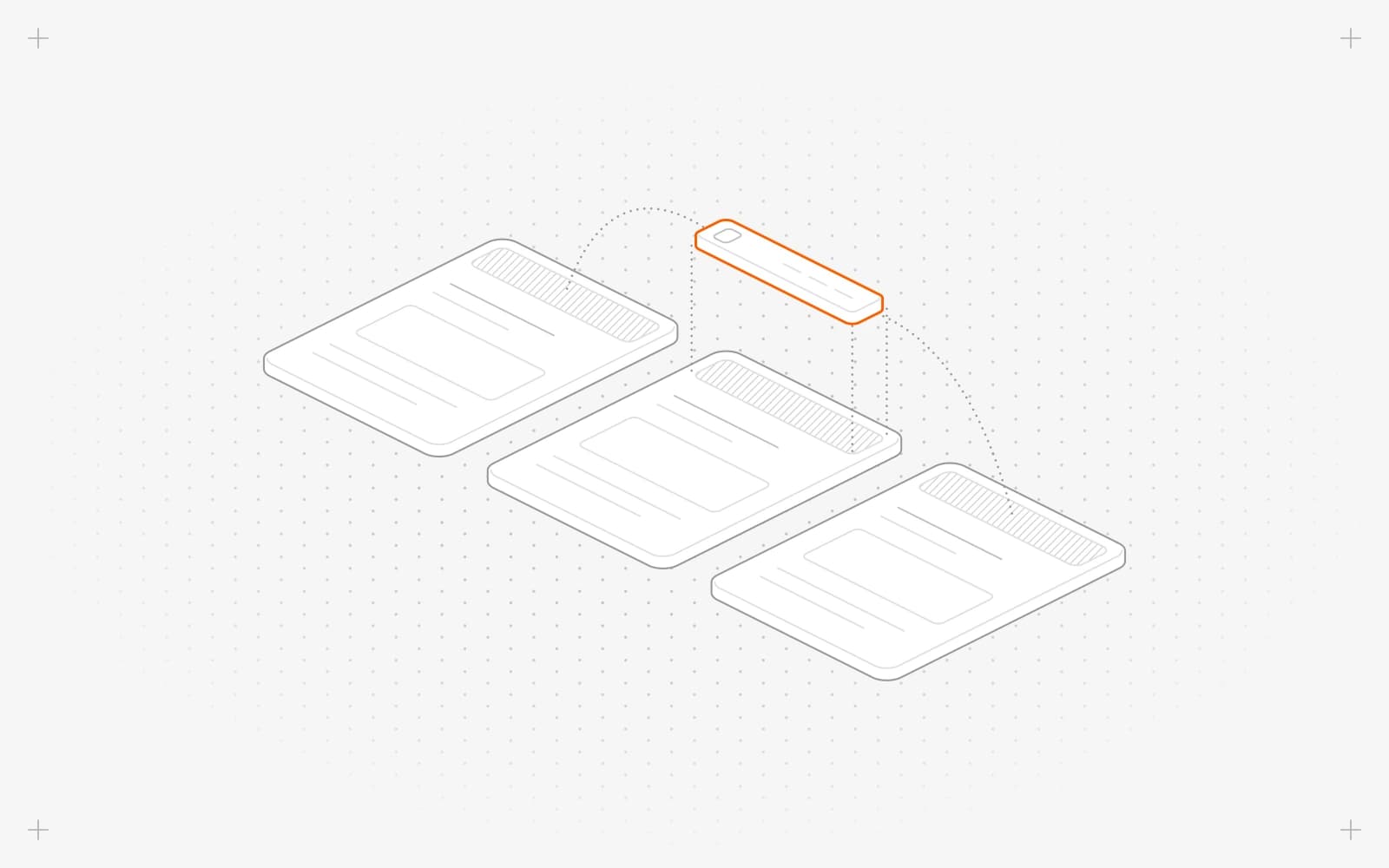
Reuse sections on many pages with partials
→
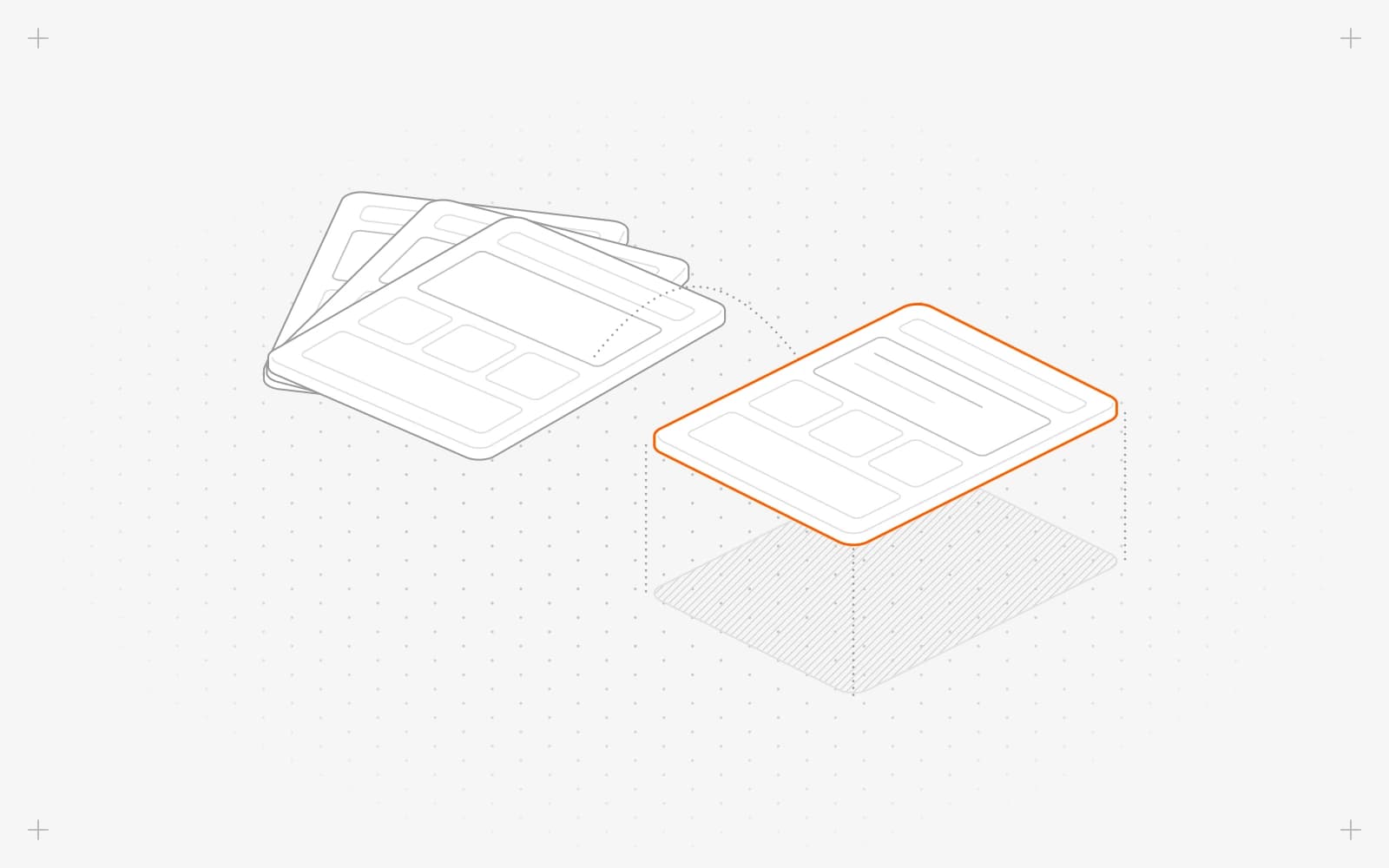
Create page templates so new pages start with your layout
→
PLATFORM
Magic Create
Magic Scale
Magic Migrate
Integrations
BUILD
No-code builder
CMS
Design
Media
Collaboration
GROW
SEO and AEO
Keyword research
Content engine
Optimize
Rank tracking
Briefing
CONVERT
Forms
Chatbot
Leads
Analytics
SOLUTIONS
Marketing teams
Small businesses
Startups
Agencies
Enterprises
COMPARE WITH
AI website builders
No-code website builders
CMS platforms
AI app builders
VERSUS
Pixelesq vs Wix
Pixelesq vs Squarespace
Pixelesq vs Webflow
Pixelesq vs WordPress
Pixelesq vs Framer
Pixelesq vs Lovable
RESOURCES
Help Center
Guides
Glossary
Changelog
Customers
COMPANY
Pricing
Get a demo
Log in
↗
Try for free
↗
© 2026 Pixelesq | All rights reserved
Privacy Policy
Terms of Service
built with
pixelesq